Commander Flow is now in the Microsoft Store: one-click install, Microsoft-reviewed, the same app as on the website. Dictation is free, everything works offline.
Commander Flow is now on Android: speak and the text appears in any app. Recognition runs on the phone, so it works without internet. Free, no ads.
Voice typing became free with no limits; only the AI assistant is paid, with a free week to try. The creator on why — and where the catch is.
I make one of the apps on this list, so here it is straight: the four questions that decide the choice, and who each app is wrong for.
A leak does not look like anything — that is the problem. What 'local' really means, what it costs, and a two-minute test anyone can run.
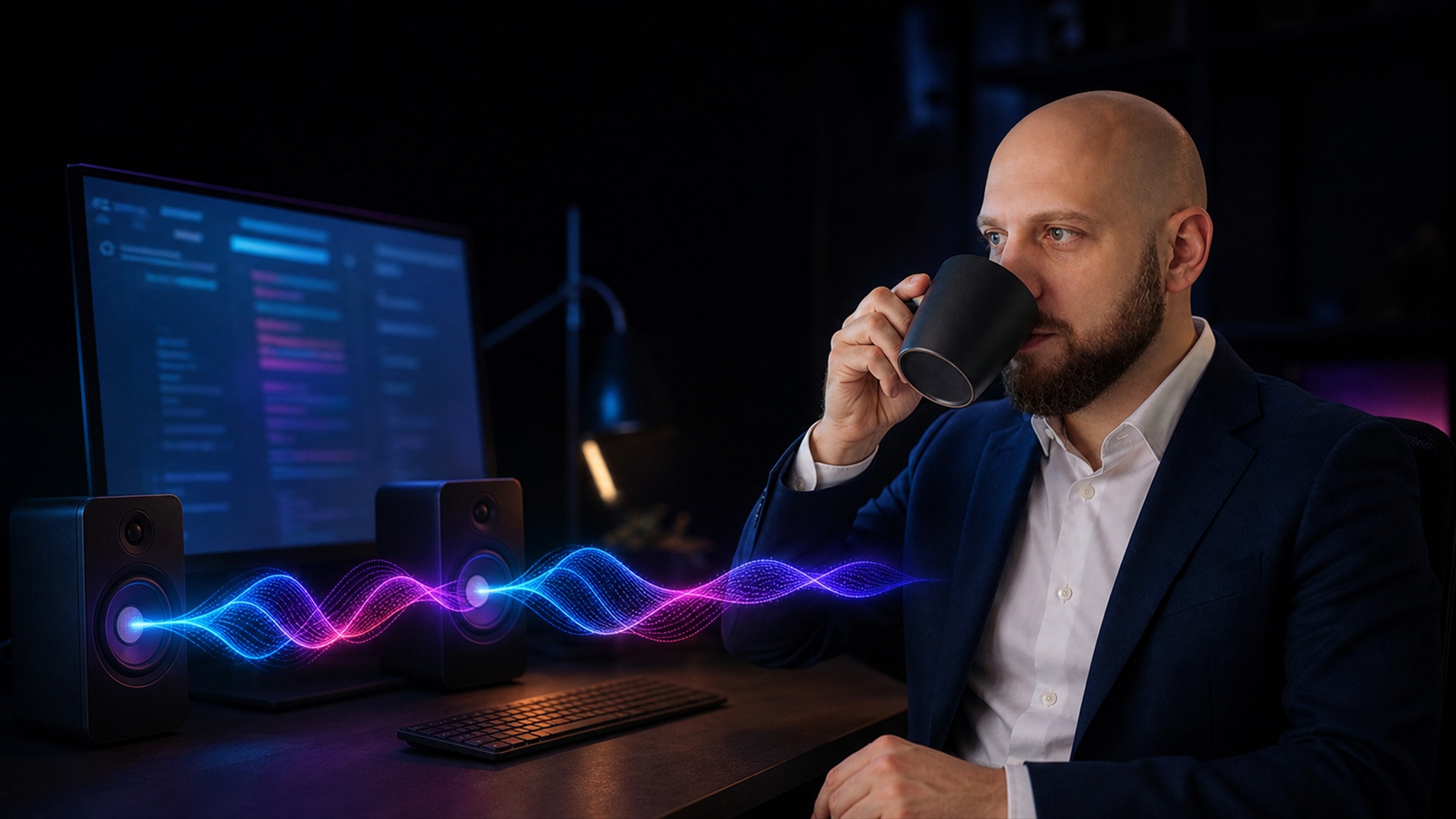
Commander Flow 1.5.0 ships an MCP server: Claude Code and other AI agents speak short summaries aloud with an offline voice in your language. Local, private, one-minute setup.
We're passing the Microsoft Store and Apple App Store reviews, and to celebrate we're giving you a free month of Commander Flow. Use promo code commander30 right in the app.
We compared Commander Flow with dictation apps, translators, cloud AI and local neural networks. One AI under your cursor: voice, text editing, translation and a local chat — no plugins.
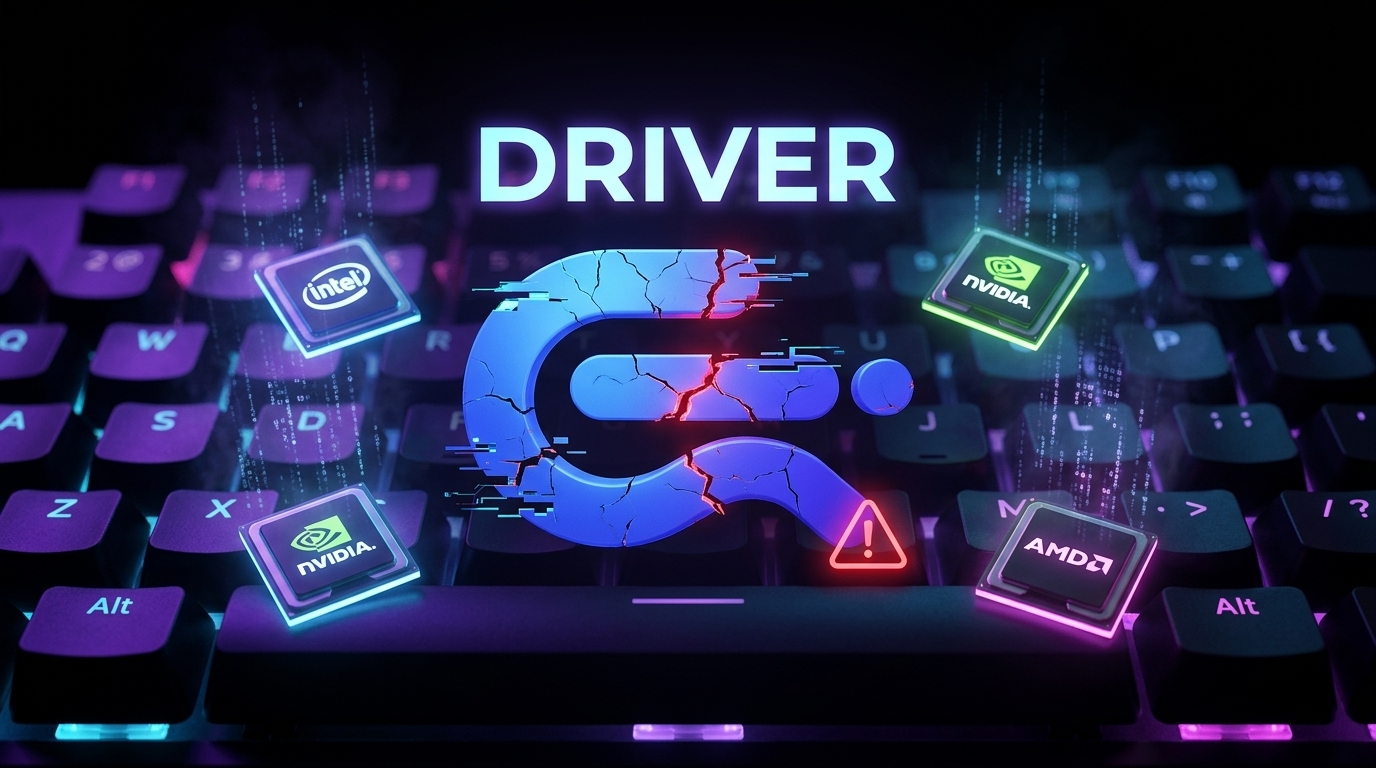
Commander Flow won't start? It is almost always outdated drivers. How to update drivers Windows needs and your Intel, NVIDIA or AMD graphics card driver.
Run Gemma 4 12B locally in Commander Flow — Google's most powerful local model works right under your cursor, no cloud. Download the app and try the new model today.
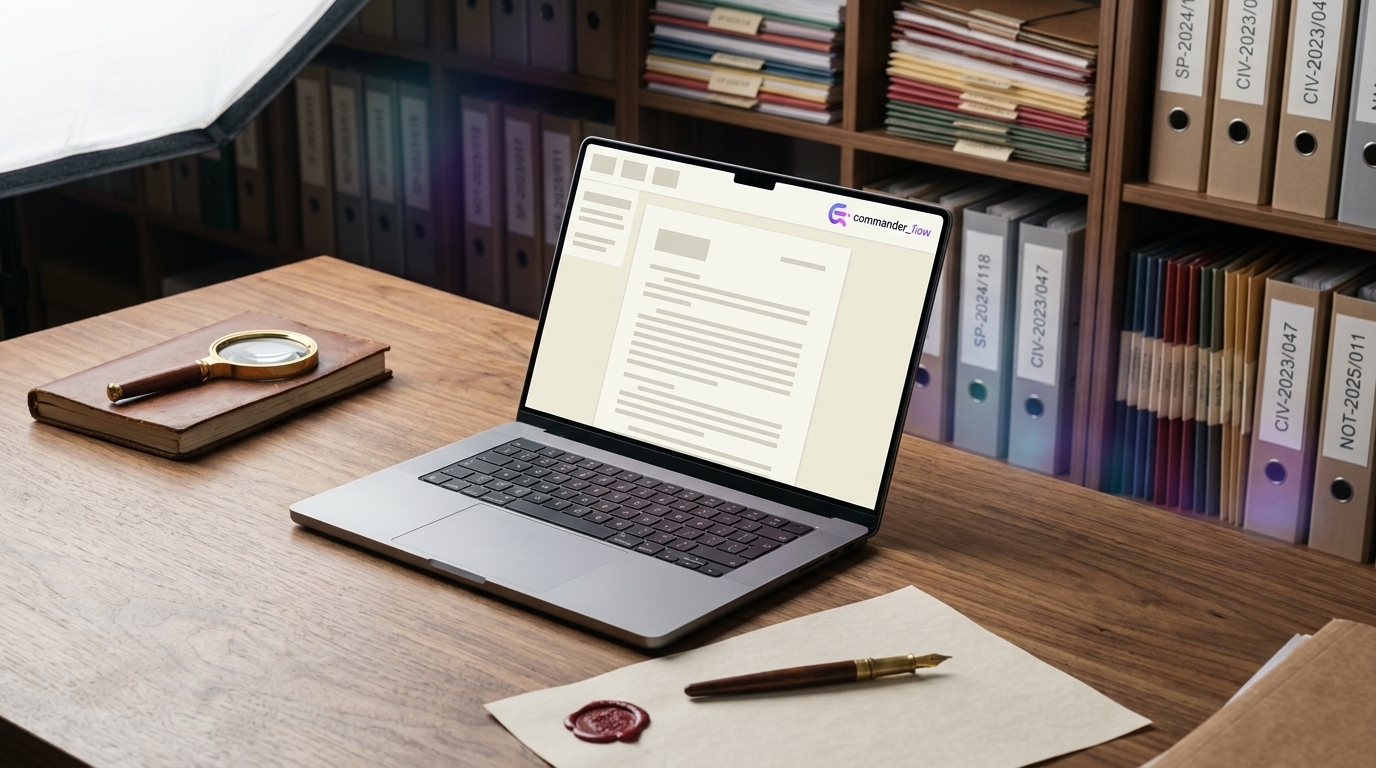
How Commander Flow helps notaries, lawyers, government offices and any workplace with strict data protection. Offline AI drafts legal documents in minutes — no cloud, no leaks.
A copywriter with twelve years of experience describes his style as a single spoken sentence and applies it to any highlighted text in any window. No saved profiles.
Connect cloud models with your own API key. Get the power of Claude and GPT in any app on a single hotkey.
The human-computer interface revolution: voice as the bridge to BCIs. Where text input is going in the age of AI agents.
Your GPU does useful work, your data never leaves the box. A guide to private offline speech and text processing on a PC.
One hotkey, dictation in every messenger on your PC. Speed up chat replies without picking up your phone.
A beta tester's month on voice typing for Windows: keystrokes plummeted, output didn't. The honest case for offline dictation software.
Lite, Balanced, Smart — which local LLM mode handles which task best? Real-world testing of offline polishing on a Windows PC.
The creator of Commander Flow on its first year: how voice typing for Windows evolved from a crashy build to a daily tool.
A YouTube creator clears the comment backlog by voice. A guide to engaging with your audience without burnout or wrist pain.
Direct line to the developer, minimalism, no ads. Why a small voice typing app outpaces corporate AI services on quality.
Highlight text — say 'rewrite in business tone' — done. A guide to the AI voice editor that works in any window on Windows.
A quiet apartment, a clean keyboard, faster work. The story of how voice typing on Windows replaced the daily clatter of keys.
Dictate emails in 5 languages with no translator and no keyboard layout switching. How multilingual voice input works.
An invisible speech trainer: AI removes filler words, and daily dictation teaches you to think in finished sentences.
How to dictate prompts for ChatGPT, Claude, and other LLMs by voice. A built-in mode that polishes prompts automatically.
Voice coding in practice: how a developer writes commits, PR descriptions, and code review comments by voice. A real workflow.