Multilingual Emails by Voice: Write in 5 Languages
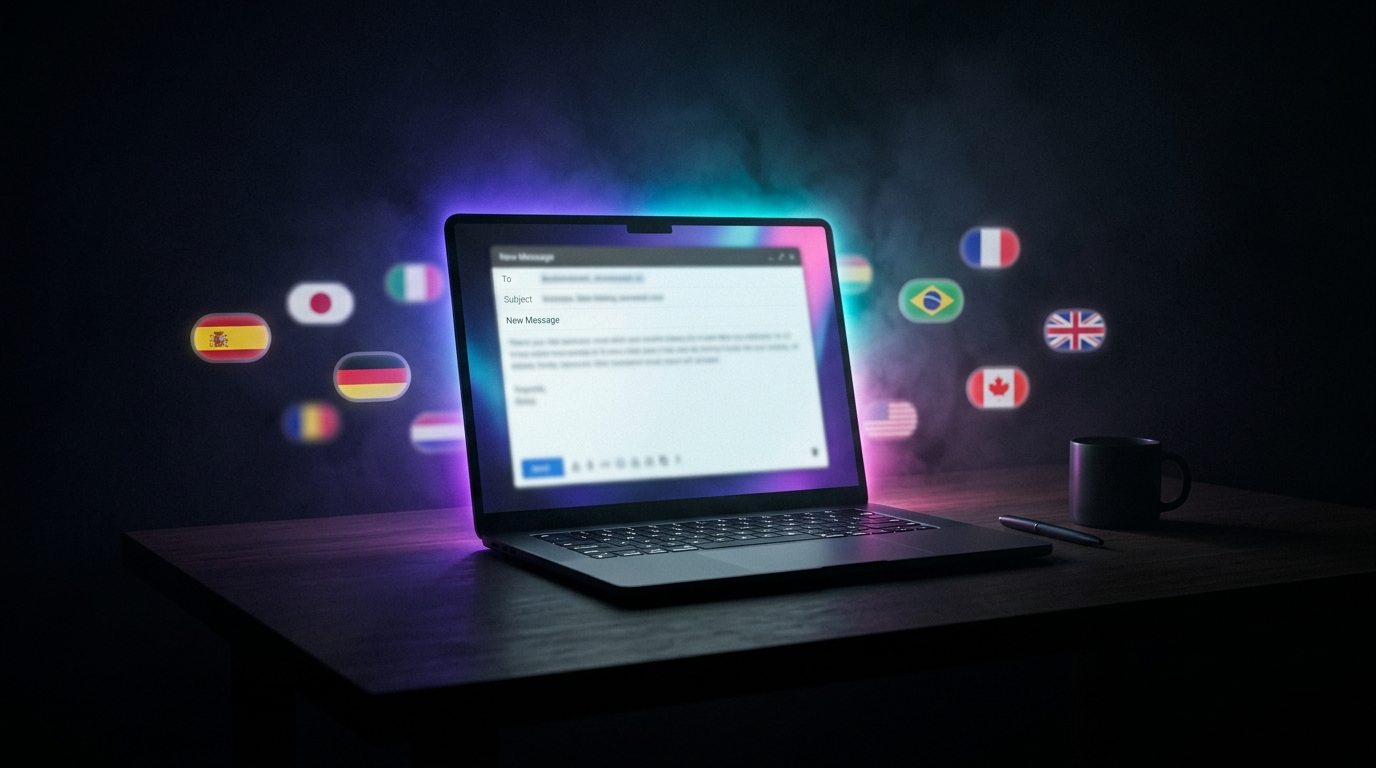
I work with international clients. My inbox has: my native language (with local contractors), English (most clients), German (one corporate client in Munich), Ukrainian (with old colleagues), and unexpectedly French (a studio in Lyon that found me through a referral).
Before Commander Flow my email hour looked like this: 15 minutes for the native flow, 30 minutes for English, 20 minutes for German with an online translator open in a side tab, and French — through another translator, because my French is at "bonjour" level.
Now the whole thing takes about 45 minutes total. No layout switching. No translator tabs. None of the feeling of rewriting each language from scratch.
The "dictate in my native language → highlight → rewrite in the target language" workflow
The big shift: I no longer try to think in a foreign language. I work in my native language and switch language only at the very last step.
For my German client specifically:
- I hold the hotkey and dictate in my native language as if to a friend: "Hi, thanks for the call, I'll send the estimate by Friday, and one more question about your CRM."
- The native text appears in the field. I read it. If there's a typo or I want to rephrase, I edit right there.
- I select the native text, hold the hotkey again, say: "Translate to German, business tone, formal address to a woman."
- Release the key. The selection is replaced with: "Sehr geehrte Frau Schmidt, vielen Dank für unser Gespräch. Ich werde Ihnen den Kostenvoranschlag bis Freitag zusenden. Eine Frage hätte ich noch zu Ihrem CRM-System..."
I don't know how to write that in German. But the local LLM does. The text comes out grammatical, in the right tone, with no errors. My client can't tell it from a native speaker's email.
The key piece is that there's a pause between "voice → native text" and "native → German" where I can step in. I control the content in my native language, while translation and tone are a separate, deliberate step.
"I stopped being multilingual and became multilingual on behalf of the LLM. It's not the same thing, but in production the difference doesn't show."
Tone is a separate variable, and that's critical
Some emails I want in business formal (contracts, lawyers). Others in friendly business (a long-time client we've moved to first names with). Others in accountant (always neutral, zero emotion, maximum facts and numbers).
In Commander Flow, none of this needs to be set up in advance. I just say the tone I want in the moment of polishing: "in business tone," "friendly," "to an accountant — dry, factual." The hotkey is the same; the instruction changes by voice every time. No restart. No reopening settings.
Today I had: one formal email to a French client (formal French), one friendly birthday wish to an old colleague (friendly), one dry payment confirmation to an accountant (accountant tone), one technical email to a client in Germany (technical German, present tense). All four — in ten minutes.
Why this works better than a cloud translator + ChatGPT combo
I used a cloud translator + ChatGPT combo for a long time. It worked, but it had three problems:
- Context switching killed me. Every email meant trips to two tabs and back.
- Cloud. The contents of client emails are confidential. Both services formally don't "train on requests," but I work under NDA, and "formally" isn't enough. I need a guaranteed-absent leak channel. Only a local LLM provides that.
- Voice gets lost. Translators translate well, but mechanically. ChatGPT fixes style but sometimes "smooths out" personality. Combo = double regression to the mean. Commander Flow with a single pass through a local model and an explicit voice command preserves recognizability.
Where results can surprise you
Less common languages — weaker. I tested Czech (I wanted to send a postcard to a friend in Prague). The result was good but not as good as German. About "a native will understand and smile." That's the ceiling of the current local model; in the optional larger Google AI mode it's noticeably better, but requires more RAM and VRAM. The team has promised broader language support in upcoming builds as smaller multilingual models are released.
Idioms. Translating an idiomatic expression literally to German is technically correct but not idiomatic. I edit those manually. It's rare but it happens.
Name transliteration. If I dictate "send it to Maximilian Krüger," the LLM occasionally drops the umlaut. Solution: add the name to the dictionary. After that, the issue disappears. Alpha testers are obligated to know about the dictionary; regular users may not.
What this changes about my work
The main practical consequence: I stopped being afraid to take on international clients. "Working in German" used to feel separate and stressful; now I just work in five languages with the same confidence.
The second noticeable shift is response time. Time from receiving an email to replying has dropped meaningfully, and clients notice and come back.
And third, important to me as a writer — personality isn't lost in translation. I have characteristic phrases ("for accuracy," "to the point," "briefly"). I mention them in the polishing voice command, and the model preserves their functional equivalent in other languages.
What this means in practice
I didn't become a polyglot. I'm still a monolingual person who got a very smart translator and style editor under his fingertips, without leaving Gmail.
For me, that's the honest definition of what Commander Flow actually does: it translates my thought into the recipient's language — any of them.
Another email is waiting. This one — to Lyon.
Try it yourself
Download Commander Flow and hold Caps Lock in any app. Recognition runs locally, no cloud — dictation is free forever.