AI Prompts by Voice: Professional Prompt-Engineering Mode
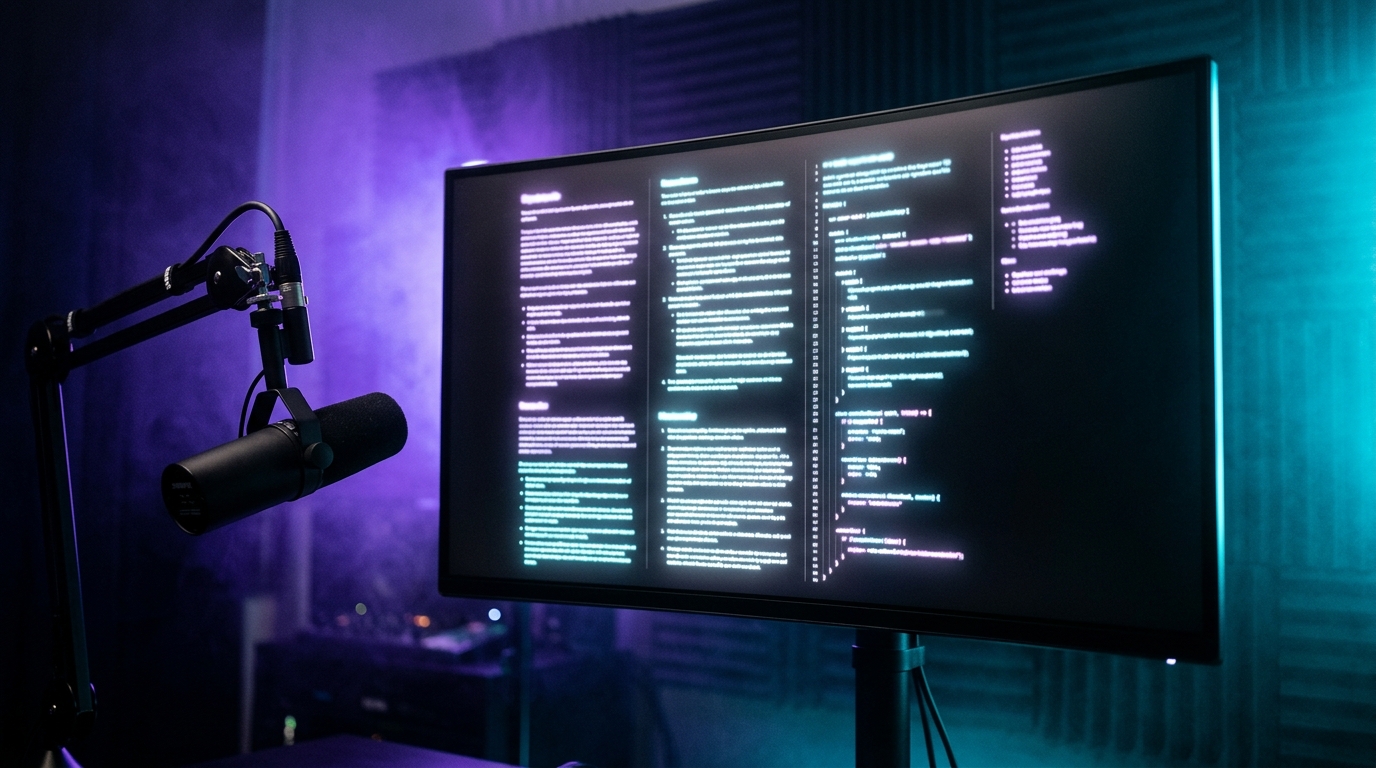
Commander Flow has a preset 80% of beta testers don't know about, and which has become the most valuable thing in the entire product for me. It's the prompt-writing mode — prompt-engineering.
If you work with any AI tools (and in 2026 we all do), you spend daily time formulating prompts: for ChatGPT, for other cloud LLMs, for AI image generators, for your own internal AI flows. Most of those prompts come out mediocre because we write them on the fly, between other tasks.
This preset turns my spoken thought into a structured professional prompt in about a second and a half.
What it does
I hold the hotkey and talk like I would to a person:
"Hey, I need an AI agent to look at this PR on github and find places that might leak memory, especially in long-lived disposables, and not make stuff up — cite specific lines. Context: .NET 10, async code, and we sometimes reuse a CancellationTokenSource."
I get this in the text field:
You are a senior .NET engineer reviewing a pull request.

CONTEXT:
- Codebase: .NET 10 (TFM net10.0)
- Heavy use of async/await with cancellation
- CancellationTokenSource instances are sometimes reused across operations

TASK:
Review the provided PR diff and identify potential memory leaks, with specific focus on:
1. Long-lived IDisposable instances that may not be properly disposed
2. CancellationTokenSource lifecycle issues (disposal, reuse)
3. Event handler subscriptions without unsubscription
4. Closures capturing disposable resources

CONSTRAINTS:
- Cite specific file paths and line numbers from the diff
- Do not speculate about code outside the visible diff
- If a finding requires more context, ask before recommending a fix

OUTPUT FORMAT:
For each finding:
- Severity: [Critical | High | Medium | Low]
- Location: file:line
- Issue: 1-2 sentence description
- Recommendation: concrete code change
That's not "a slightly improved version of what I said." It's a best-practices professional prompt: explicit role, structured context, explicit task, constraints, output format. I know how to write these (I've taken courses, read books on prompt engineering) — but I don't write them by hand every time, because that's 5 minutes a prompt.
Commander Flow does it in a second.
What's inside the preset
I asked the team for access to the mode's system prompt — it's public. In essence, it's a set of instructions for the LLM:
- Structure: role / context / task / constraints / output format / examples (when relevant)
- Tone: imperative, no polite filler, maximally specific
- Termination: explicit statement of what should and shouldn't be in the response
- Anti-hallucination: add constraints against making facts up
- Format: use markdown / code-fences if the request involves code
This is the same set of practices that professional prompt engineers develop over months of work. Just baked into a hotkey.
"I stopped writing bad prompts not because I learned to write good ones, but because the tool won't let me write bad ones."
Scenarios where I use this preset every day
Most often I use this mode before a task for a coding AI assistant. I dictate what I want — I get a clean structured prompt, and the agent works noticeably more accurately.
The second frequent scenario is prompts for AI image generators. I describe the shot by voice; the mode converts it into a string with the right modifiers like aspect ratio and style.
When I write a system prompt for my internal AI agent, I do it through Commander Flow instead of hand-polishing paragraphs. An hour produces what would normally take a whole day.
Less often but still regularly — queries for AI search. A well-formed prompt yields significantly more relevant results, and I noticed it after the first week.
And finally, any "moment-prompts" for generating tests, docs, migrations. They used to come out "good enough." Now they're all at the same quality bar.
An effect I didn't expect
I started writing prompts for myself. That sounds odd. Let me explain.
Right before a hard task, I now dictate a prompt to Commander Flow — not to feed an LLM, but to read it myself. A structured text with explicit context / task / constraints / acceptance criteria turns out to be an excellent task plan for me.
It costs nothing (1.5 seconds), but it converts "I'll sit down and think this through" into "here is the precise definition of what I'm doing." Like writing a tech spec — except it now takes 1.5 seconds and is built into the tool.
What doesn't always work
Sometimes "too professional." If I want a quick simple request ("Claude, rewrite this paragraph in three lines"), the preset can blow it up into a full role/context/constraints. Solution: switch to the minimal-edit or friendly-prompt preset (it's lighter, for short requests). The team is working on automatic complexity detection.
Default best-practices target Claude / GPT-5. For other models (open ones like Llama 3, or specialized ones like Mistral) the prompt style can differ. For maximum precision I use prompt-engineering-llama or prompt-engineering-mistral — separate presets I created in settings. But you have to make those yourself first, which takes a couple of minutes of config.
The LLM occasionally over-engineers. If I speak briefly, it sometimes adds extra sections. In those cases I say "shorter, no output format, just the task." The result is a mini-prompt. For complex tasks, on the other hand, it nails it.
Why this matters more than it seems
In 2026, when AI agents have become daily, writing good prompts is the new literacy. You don't need an English tutor or a math coach — you need a tool that converts your spoken thought into a quality prompt.
And here's what I like about Commander Flow: the team didn't make a "separate prompt-engineering app." They embedded it as another preset in the same hotkey I already use for everything else. Minimum cognitive overhead, maximum benefit.
Why I need this every day
If Commander Flow only did regular dictation it would still be a good product. But the prompt-engineering mode turns it into a tool for people who work with AI agents all day. This isn't about typing anymore. It's about raising the quality of all your AI communication.
I wrote this article in friendly mode (it's a blog post). The prompt for the editor who'll polish it — in prompt-engineering. And this article came out structurally better than if I'd written the editor's prompt by hand.
One tool. Two layers of abstraction. One habit.
FAQ on prompting mode
How do I switch to prompting mode?
One click in the Commander Flow tray — pick "Prompting mode." Then you just dictate the task in plain words and the app converts it into a structured prompt following best practices: role, context, task, constraints, output format.
Can the generated prompts be used with ChatGPT, Claude, or other LLMs?
Yes. The output prompt is universal — you can paste it into any LLM chat. The default structure is compatible with ChatGPT, Claude, and similar models. You can also configure separate templates for specific engines if needed.
What if the prompt comes out too formal for a simple task?
Just say "shorter, no extra sections, only task" and the app simplifies the structure. For short ad-hoc requests, use the minimal polishing mode and reserve professional prompting for genuinely complex tasks.
Can I create my own custom prompt template?
Yes. Settings let you save user templates for specific scenarios — for code review, marketing copy, research queries, and so on. Each time you dictate a task, the app uses the chosen template.
How long does it take to create a prompt by voice?
About one and a half to two seconds from end of dictation to the structured prompt appearing in the active field. Versus writing a best-practices prompt by hand, that's an order of magnitude faster.
Try it yourself
Download Commander Flow and hold Caps Lock in any app. Recognition runs locally, no cloud — dictation is free forever.