Voice Coding: Code, Reviews, and Commits Without Typing
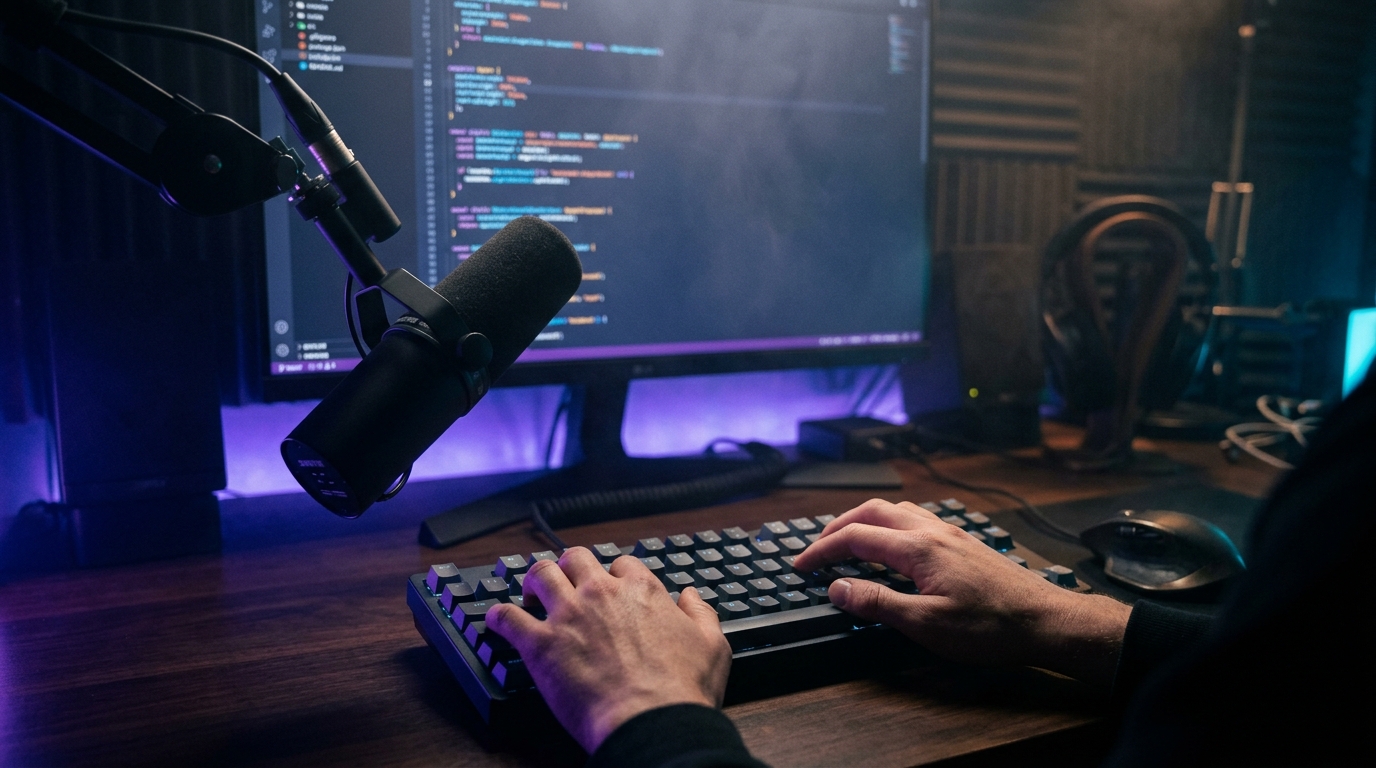
"Voice coding" usually sounds like a clown act. That 2017 video where a developer shouts "open paren if foo equals equals null close paren" is a meme, not a workflow. I, too, thought the idea was dead.
Commander Flow changed my mind. Not because it added some magical "code dictation" mode, but because code isn't only code. Code is commits, tickets, code reviews, documentation, comments, names, chats with teammates. And all of that — the stuff around the code — is now voice-driven for me.
Where voice actually changes a developer's life
My most frequent voice operation is commit messages. Cursor in git commit -m "...", hold the key, say something like "fixed race condition in pipeline cancellation, properly cancel the token on hotkey re-press," and a clean conventional-commit message lands in the terminal — because I once defined the rules by voice, and they stuck.
PR descriptions are similar, just longer. I open the GitHub PR template, dictate as if explaining to a junior — what changes, why, what we don't touch, how to test. A few seconds later I have neat markdown with ## Context, ## Changes, ## Test plan sections. Used to take five minutes; now seconds.
The biggest shift is in code review comments. I used to skimp on them because writing thoughtful reviews meant a lot of typing for something people would skim and forget. Now I select a line, dictate the thought, and get a clean polished comment in a couple of seconds. My reviews are noticeably longer and more useful, and the team has noticed.
A separate item is documentation — the most painful part of the profession. I dictate a docstring like I'd explain it to a colleague, and Commander Flow conforms it to XML-doc, TSDoc, or markdown depending on the project's language. Documentation stopped being a tax I pay on top of code.
"I don't write code by voice. I write everything around the code by voice. And I realized that's half my job."
The code-comments mode: a thing I love
So I just say "keep it as a code comment" by voice — and Commander Flow:
- Doesn't touch identifiers (variable names, class names)
- Preserves technical terms (kubectl, async/await, useEffect, OAuth) in their original casing
- Doesn't add "polite" filler (nobody writes "dear readers" in a code comment anyway)
- Handles mixed natural language and code identifiers correctly:
// verify that Subscription.IsActive before calling BillingService.Refresh
It sounds trivial. But without that voice cue, early alpha builds would sometimes "improve" my technical comment into something like "let's verify that our subscription business object is in the correct state."
The terminology dictionary — an underrated feature
Inside PolishOptions.Dictionary, I dump my own terms and acronyms. Mine has:
kubectl,helm,argocd,fluxIDictionary,IAsyncEnumerable,Span<T>ConfigureAwait(false)(as a whole phrase — so the LLM doesn't rewrite it)- Company acronyms, names of internal services
After this, the LLM stops "improving" specialized terms and leaves them exactly as I named them.
The scenario that wins me over every day
10:30 a.m. I'm in the IDE, the team chat is open, Linear is open with a ticket. I hold the hotkey and say:
"Extracted retry logic into a separate RetryPolicy class with exponential backoff, added tests, please double-check the sequence diagram in the ticket before merging."
That goes into Linear as a ticket comment. Then Alt+Tab to Slack, same hotkey:
"team, PR is up for review, not blocking but ideally today"
In Slack tone, lowercase, no "dear colleagues." Then back to the IDE.
Three actions in three apps, all by voice, no fingers.
Where I tripped up
Punctuation around code that lands inside dictation. If I dictate "this function returns Task<bool>," the LLM sometimes "thinks" Task<bool> is HTML and tries to escape it. Fixed by adding the term to the dictionary, but it surprised me at first.
Hotkey conflicts with the IDE. My IDE has its own shortcuts. I had to remap the Commander Flow hotkey a couple of times. It's now on Caps Lock — the most convenient and rarely used key. A small inconvenience, fixed in one click in settings.
The heaviest modes can "think" a bit slower in an IDE. For an email, extra milliseconds aren't noticeable. For a code comment "right now," they are. I switched to medium mode on my work laptop and kept the heaviest one for the desktop with a discrete GPU. The latency disappeared.
What I learned about sound as a programming interface
Voice doesn't replace the keyboard in the IDE. It complements it where the keyboard was the worse tool. Typing if (x != null && y != null) — keyboard. Explaining why that check is there — voice.
There's a chasm of cognitive load between those two tasks, and they aren't equally well "solved by typing." I stopped forcing myself to type the second kind. It's gotten easier.
What I took from this split
Voice coding isn't "dictating code." It's a shift in which things you do by voice. You write logic by hand, and everything human around the logic by voice.
In ten years in this profession I haven't found a more comfortable split.
Try it yourself
Download Commander Flow and hold Caps Lock in any app. Recognition runs locally, no cloud — free trial included.