Voice Typing on Windows: 30 Days Without a Keyboard
I'm the kind of nerd who installed KeyCounter on my laptop "just to see." A month into using Commander Flow, I opened it and looked at the numbers — keystrokes were down by several times. And that's despite the fact my workload had grown: I took on two new clients and started running an English-language blog on the side.
I wouldn't call this a "tech review." It's more like the observations of a person who, one day, simply stopped noticing he was typing at all.
Eight steps I no longer take
Every time I needed to write a client email without typos, I did this:
Alt+Tab → Word → draft → select → Ctrl+C → Alt+Tab → Gmail → Ctrl+V → polish
Now: cursor in Gmail, hold the hotkey, talk like I think, release. A second later there's a coherent paragraph in the field — no "umms," no double spaces, with proper capitalization and a period at the end. The paragraph I'd have spent five minutes editing arrives finished.
"I'm not typing faster. I'm not typing."
What I noticed over the month
I've been tracking myself Monday through Friday. The patterns are pretty clear:
- Client emails: noticeably faster — what used to eat half my morning, I now wrap up in about ten minutes
- Slack/Telegram chats: I no longer "get stuck" in conversations — short messages go out in seconds
- Notes during calls: I capture more than I ever could before
- Replies on YouTube/Reddit: before — never. Now — as much as I want.
The total adds up to a meaningful chunk of my day that I've gotten back — time that used to disappear into typing. I've quietly redirected it into the personal project I'd been putting off for years.
Where it works best (my top three)
The biggest change is in long emails — the part of work I used to dread the most. I dictate as if explaining to a friend, ask for a business tone by voice, and get a text my accountant recently described with "you've started writing more substantively, did you hire a copywriter?" No, I just talk into the microphone.
Next up are Slack threads. I work on an international team, and every English message used to cost me a small internal translation tax. Now I just dictate in the language I think in, ask for friendly English — and a second and a half later it's posted. In six months no colleague has noticed.
A special case is taking notes during calls. Headset on, between the other person's sentences I press the hotkey and quickly dictate: "Agreed on Thursday, confirm budget with Maria." The text drops into Obsidian already formatted, with no need to switch over to my notes app.
What annoys me
It's not perfect. Three things I run into now and then:
The first attempt after a long pause sometimes misses. If I haven't dictated in a few hours, the first hotkey press can "lose" the start of the sentence. The newest build improved this noticeably, but I still catch it occasionally. Workaround: say one test word after returning to the laptop. A one-second ritual.
Very loud cafés. The voice activity detector handles pauses well, but if there's loud laughter at the next table, sometimes you get a stray "uh-huh" at the start. Switching to push-to-talk fixes it.
First-time installation. The app downloads components for offline work. On a slow connection it's noticeable. A one-time annoyance — survivable.
What I no longer do
- I don't fix typos. There aren't any.
- I don't switch keyboard layouts. I speak in any language, ask for polishing in any.
- I no longer remember where the obscure punctuation keys are (I rarely needed them anyway).
- I don't open online services for paraphrasing. Everything stays local.
TL;DR for those who scrolled here
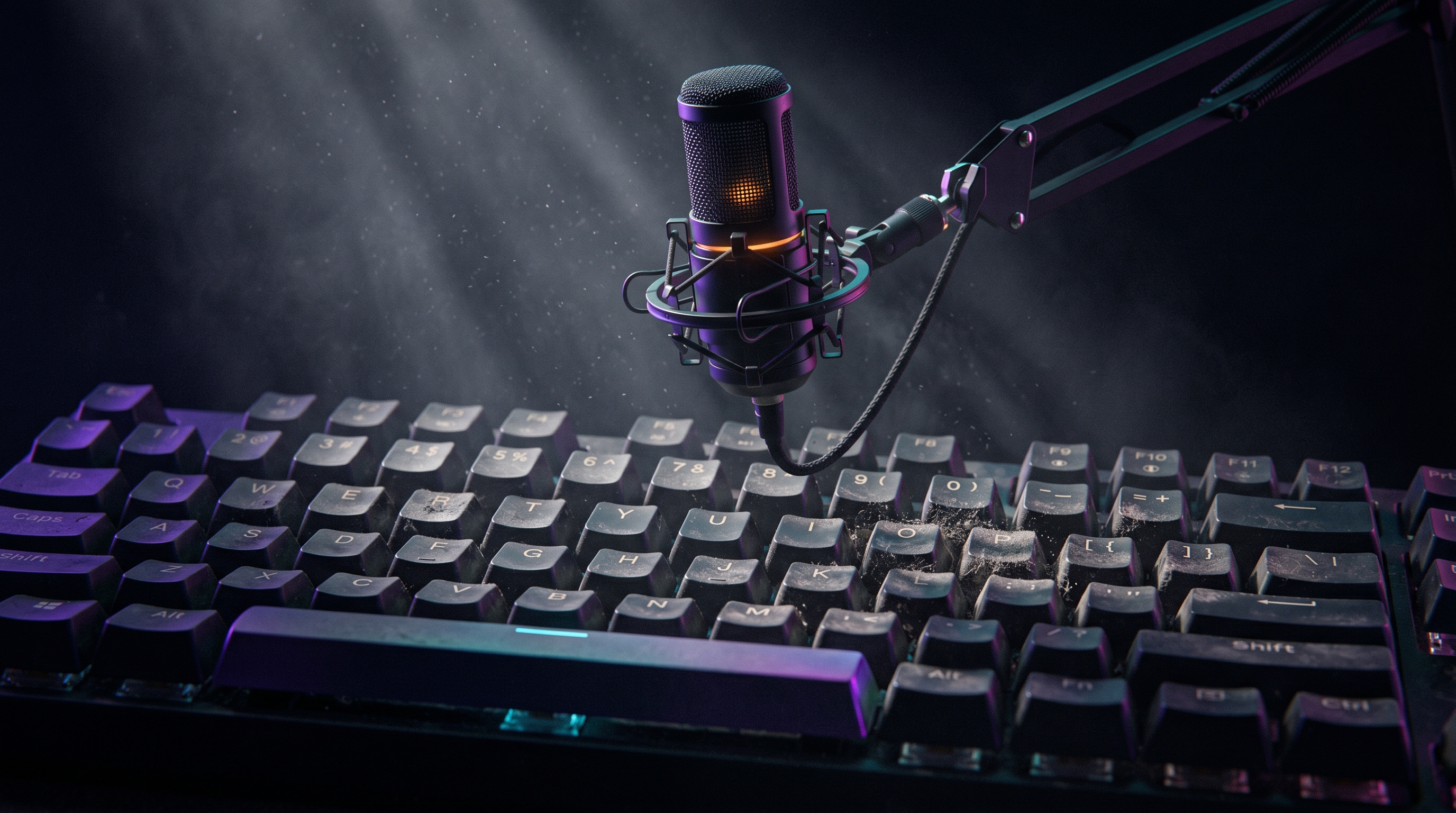
Commander Flow isn't just "a cool gadget for geeks." It's subtraction from your day of one of the most tiring activities — typing — without losing the quality of the text. After a month, my keyboard physically gathered dust on the number row. A month ago I would not have believed that.
It has downsides, but they're the kind I notice because I'm professionally hunting for bugs. For a regular user they're invisible.
If someone had told me a month ago, "in 30 days you'll be writing one and a half times more, while your fingers do half the work," I wouldn't have believed it. But that's exactly how it works now.
FAQ about voice typing on Windows
What is Commander Flow and what is it for?
It's a desktop app for Windows that turns your voice into finished text in any active field — email, chat, document, IDE. It transcribes speech, removes filler words, adds punctuation, and inserts the result wherever your cursor is. Works for short messages and long emails or notes alike.
Does voice typing work without internet?
Yes. By default, all processing runs locally on your computer: both speech recognition and text polishing. You don't need internet to launch or to use the app day to day. That's the key difference from cloud services like the browser's built-in dictation.
What's the default hotkey?
Caps Lock — the most rarely used key on any keyboard. Hold it, talk, release — and the text appears in the active field. If Caps Lock is inconvenient, any other hotkey can be reassigned with one click in settings.
How many languages does it support?
25 languages are recognized in total, including mixed multilingual speech. You switch between them either by voice or in settings.
What are the hardware requirements?
A modern laptop with 8–16 GB of RAM is enough for most modes. A discrete GPU isn't required, but if you have one, the app uses it automatically. On older machines, the Lite mode runs with reduced requirements.
Try it yourself
Download Commander Flow and hold Caps Lock in any app. Recognition runs locally, no cloud — dictation is free forever.