Edit Text by Voice Command in 2 Seconds
For a long time I couldn't articulate what Commander Flow gave me beyond dictation. I figured it out around month three: it's a universal context menu for text. Just a smart one.
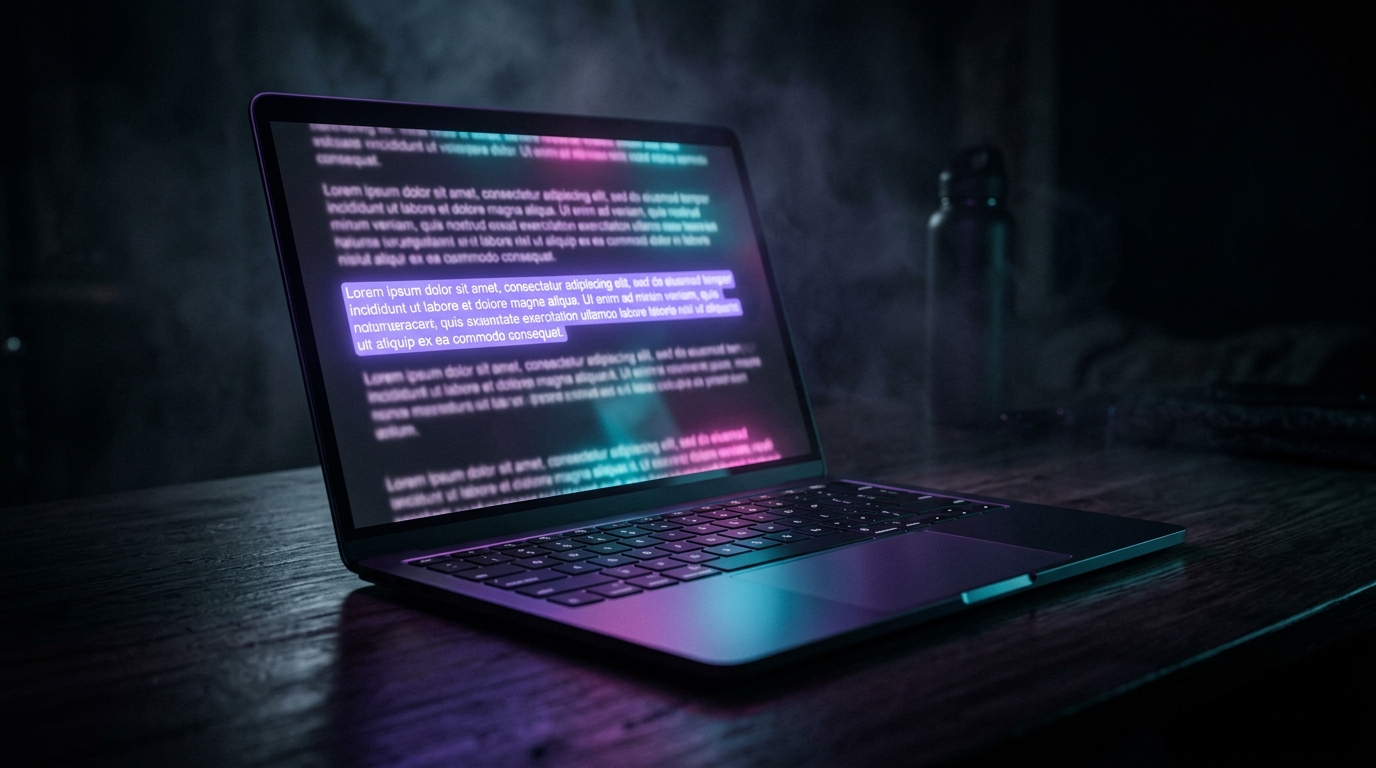
Any app. Any field. Any text. Highlight it — press the hotkey — say what you want done with it. Get the result on the spot.
The scenario where it clicked
Half-page email from a contractor, in English. Morning, coffee hadn't kicked in. Old me would have opened a translator, copied, read, switched back, written a reply. Now:
- I select the entire email body in Gmail.
- Hold the hotkey.
- Say: "Summarize in three bullets in plain English, highlight the numbers and deadlines."
- The email text is replaced with three bullets.
Three seconds. In place. No window switching. No clipboard.
"When you have a universal 'do something with this text,' you stop hunting for specialized tools for every micro-case."
What I do with selected text every day
Here's an actual list from my journal last week:
- "Make it shorter, keep the numbers" — long client message → bullet summary with facts
- "Make it more polite, I was angry" — my draft reply → diplomatic version
- "Translate to German, business tone" — native draft → polished email
- "Fix grammar, don't change the voice" — LinkedIn post before publishing
- "Explain like I'm five" — a chunk of documentation for my kid (he's 12, but it works)
- "Expand bullet 3 into a paragraph" — bullet list → fleshed-out item
- "Add emoji markers to each item" — structured text for Telegram
- "Rewrite like Hemingway" — a colleague's ad copy that ran too purple
Each of those used to require a separate service: cloud translator, cloud style editor, ChatGPT, cloud AI helper, and so on. Now it's one hotkey, all local, zero browser tabs.
Why this feels different from ChatGPT
The key difference is the absence of context switching. When you go to a separate AI chat window, you:
- Switch apps
- Copy the text
- Compose a prompt
- Wait for the response
- Copy the result
- Switch back
- Paste
- Delete the original
In Commander Flow it's: select → hotkey → speak → done. The text changes in place. You don't lose your train of thought, don't leave the app, don't accumulate browser tabs.
Local. Truly local.
This was the deciding factor for me. I work with client texts, sometimes confidential. Not a single piece of selected text leaves my computer. The latest Google AI sits in my RAM and does the editing.
I can highlight a paragraph from an NDA and ask "rewrite in plain English" — and be sure that NDA isn't going into someone else's training dataset.
What's not perfect
On very long selections (over ~1500 words) polishing slows noticeably. On my laptop with 16 GB of RAM and no discrete GPU, that's 4–6 seconds for a big selection. Not bad, but noticeable. On a machine with a GPU it's instant. The team added streaming output (text starts appearing immediately), which dramatically reduces the perceived wait.
Not every app handles selection replacement correctly. Most do — Word, Gmail, Slack, VSCode, Telegram, Discord — flawlessly. But if there's no insert field at all, or it isn't recognized (hello, ancient business apps), Commander Flow doesn't lose the text: it's saved in the dictation log and shown in a popup you can copy from. The workaround for problem fields is switching the insert strategy to clipboard-paste in settings.
Sometimes I phrase too vaguely. Like "make it better." The LLM isn't a mind reader, and the result varies. That's not a bug in the tool, it's my own verbal skill. With practice, prompts get crisper on their own.
How this changes habits
I stopped being afraid to write bad first drafts. I used to spend time crafting a sentence before writing it down — because rewriting was costly. Now I just type roughly, highlight, and say "make this presentable." Draft speed went up dramatically because I evicted the internal editor.
That, I think, is the real product effect of this feature. Not "do things faster" but changing my relationship to drafts as a genre.
The new right-click
The right-click context menu in Windows hasn't learned anything useful about text in twenty-five years. It shows "cut / copy / paste" — three actions from the DOS era. Commander Flow on a hotkey gives me an infinite context menu — anything I can ask for in words.
That's the new right-click. Better, because I'm not picking from a list — I'm speaking.
Try it yourself
Download Commander Flow and hold Caps Lock in any app. Recognition runs locally, no cloud — dictation is free forever.