A Copywriter's Style in AI: Voice Command on Highlighted Text
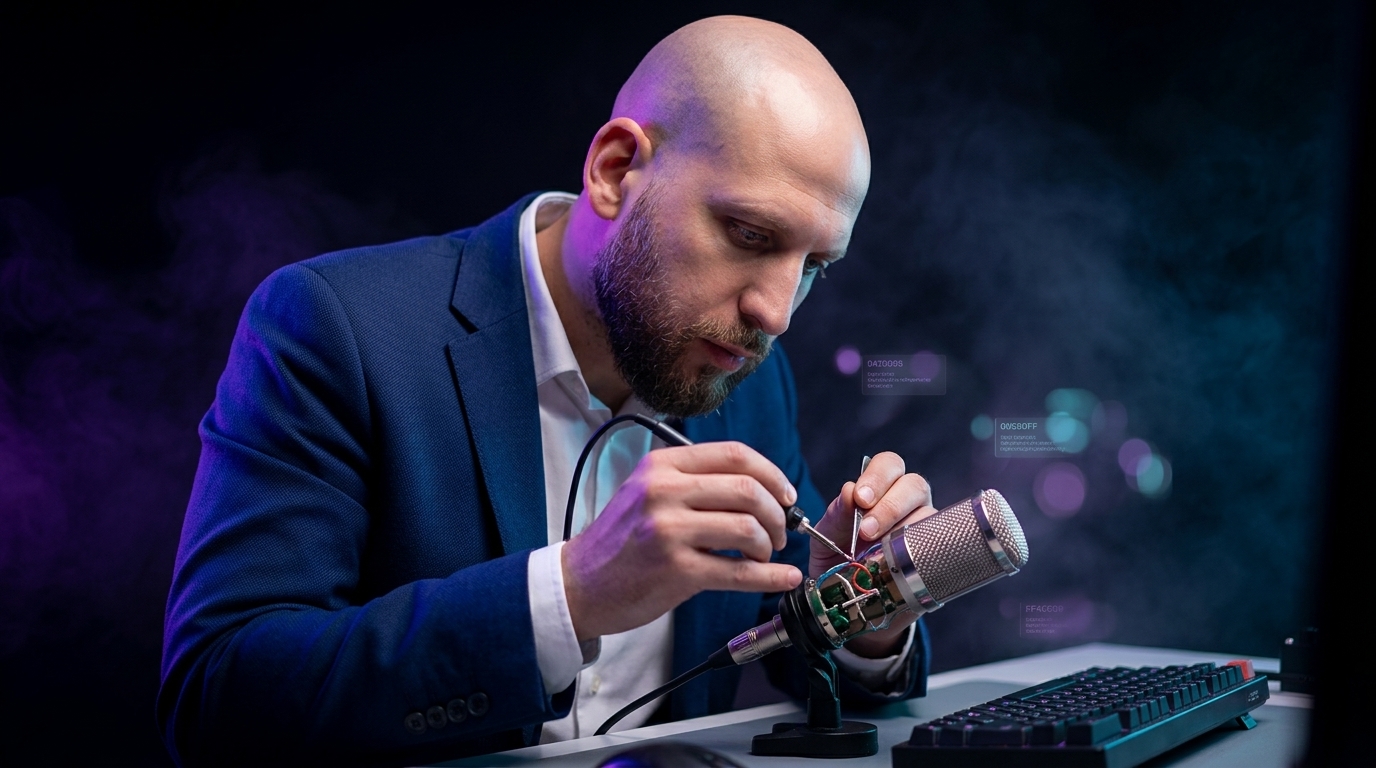
One of my most interesting users is a copywriter with twelve years of experience. Landing pages, email campaigns, LinkedIn posts, white papers, podcast scripts. And what a professional at that level really has is a voice. Not topics, not material — voice. The way he builds a sentence, which verbs he picks, where he cuts, where he leaves room.
That voice used to live only in his head and his fingers. Since last week it lives in a single spoken command. Not in a saved profile, not in a settings menu. He says it out loud every time, freshly, as one sentence — and Commander Flow applies it to whatever text he's highlighted, in whatever window he's in.
How it works
No setup. No menus. No "create new profile." The flow is exactly this:
Sounds simple — because it is. That copywriter at first didn't believe it would be enough, and tried to talk me into adding "save my style." I said no. A week later he stopped asking.
His style description is short — twelve years of work boiled it down to one long sentence. He says it during the polish, like a mantra. And Commander Flow lands his cadence every time.
"A good copywriter doesn't type drafts — he speaks his style on the fly and polishes drafts on a single hotkey. And they come out as his. I built Commander Flow with this scenario in mind."
Why a spoken style beats a saved profile
When I was designing the engine I had two options: let users "set up their style once and forget," or give them a sentence they speak every time. I chose the second — and watching this user, I'm certain it was the right call.
Voice evolves. The style on January landing pages isn't the same as on April ones. With a saved profile, a person carries around a six-month-old snapshot of themselves. With voice, the description tunes itself to the current week, the specific client, the genre. Nobody notices it because the human just talks the way he thinks at that moment. That's authorial voice.
Second: speaking the style on the spot lets you tune it to the task. On a landing page he says "shorter, sharper, numbers up front." In an email to that same client — "warmer, no bullets." On LinkedIn — "no preamble, get to the point." Same person, same underlying intonation, slightly different shape every time. A saved profile can't do that.
Third: this works on any text — not just his own drafts. Someone sends him third-party material; he highlights it, says "rewrite in my style: short sentences, concrete verbs," and gets it in his voice. He used to spend an hour rewriting it by hand. Now it's seconds.
Where it works: anywhere selectable text exists
This is the part that surprised me as I gathered feedback from this user. There turned out to be far more scenarios than I'd designed for.
- Chats. Telegram, Slack, WhatsApp, Discord — highlight a draft reply, voice "shorter, friendlier," done. A client message in Slack in five seconds.
- Email. Gmail, Outlook — especially valuable when you're answering a long thread and need to land in the sender's tone. Highlight your draft, voice "business-like, the way I usually do with contractors," send.
- Documents. Google Docs, Word, Notion. Long article, scattered edits. Highlight a paragraph — voice "make it sharper, no preambles" — next.
- IDE. Code comments in VS Code and Rider. Highlight your comment — voice "shorter, no pleasantries" — get code-style.
- Any "shape" you want. This is the most interesting part. The same copywriter started using the command not just for tone but for form: "turn this into a checklist," "into a shopping list," "into a daily schedule," "into Jira-format tasks," "into a three-bullet summary." Same hotkey, same model — and any shape transformation you can name.
I designed the tool around one job — rewriting text in the right tone. I ended up with a tool that turns any selection into anything you can describe. And honestly, that's exactly what makes a product worth building.
What it changes for a copywriter
Twelve years of copywriting is, in effect, twelve years of repeating your own voice in every draft. From scratch, every time. Sharp in the morning, faded by evening — and the style starts to drift. The text written for one client at 10 AM Monday and the text for another at 6 PM Friday are basically two different authors. Clients see it. They don't always say so, but they see it.
With a spoken-style command that problem is gone. The draft comes out — sometimes pretty raw because the brain is tired — gets selected, the style is spoken, and the result lands in his voice. The style doesn't drift. From the feedback I'm hearing, it's roughly +20% perceived quality at half the time.
One more thing. Copywriters used to take small tasks (fix someone else's text, write a short post) without enthusiasm, because switching from a big task to a small one is expensive. Now a small task is "select → hotkey → say the command → done." I'm hearing: people stopped declining small jobs. That's a strong signal for me.
What a voice command doesn't do — and where I'm taking it
It doesn't replace editorial judgment. Voice sets tone and form, but it doesn't understand context: who the audience is, what's taboo at this client, what they recently published. That's still on the user. The command is form, not content. By design.
Sometimes it's "too you." Occasionally the polished result sounds too recognizably authorial, and for a particular client that's overshooting. Fix: add to the command "softer, a touch more neutral." That copywriter now keeps two variants of his style description in mind — strong and soft — and picks the right one in context.
Long descriptions are tiring to say. One sentence — great. Three paragraphs — uncomfortable, easy to fumble or forget half. I'm working on "voice snippets" — short spoken names for longer descriptions, also voice-driven, no menus. It's coming, just not in this release.
What this says about the copywriting profession in 2026
A copywriter used to be a text producer. Sat down, wrote everything by hand from start to end.
Today — especially with tools like the one I'm building — a copywriter becomes a curator of his own voice. He writes less from period to period. He thinks more about what voice this needs, what shape to put it in, where to cut, where to leave it. More conductor than performer.
That's not bad. It's just a different role. And from the user feedback, it suits a lot of people better — because they can finally take on volumes that were physically impossible before.
What this means for copywriting in general
Someone spent twelve years developing his voice. Last week he learned to describe it in a single sentence — and now applies it to any highlighted text in any window.
I think this is the right end of a long professional trajectory in the AI era: not "we'll be replaced," but "we learn to carry ourselves into the tool by one spoken command." If anything counts as Commander Flow's mission, it's that formula.
People used to think "individual style" couldn't be cloned. I built Commander Flow partly to show the opposite: a working slice of it really can be captured in one sentence you say out loud. Not all of it — but the slice that eats most of the time.
Today that copywriter has another landing on his desk. With his own voice command he'll be done noticeably faster than usual — and it's no longer magic, just a working day. And that "new normal" is exactly why I keep writing Commander Flow's code.
Try it yourself
Download Commander Flow and hold Caps Lock in any app. Recognition runs locally, no cloud — dictation is free forever.