Commander Flow Won't Start? It's Almost Always the Drivers
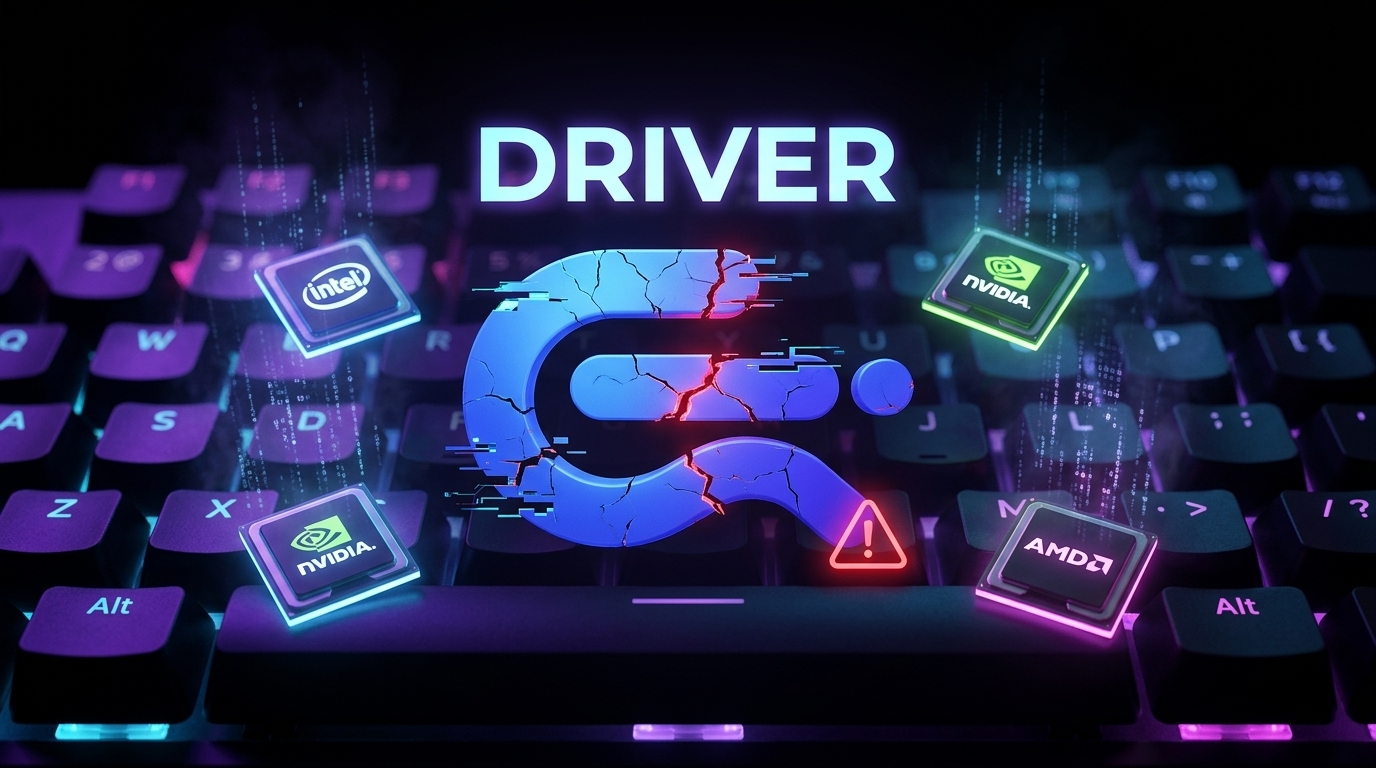
Hi, this is the creator of Commander Flow. If the app didn't start or it's behaving oddly — take a breath. It's almost never your fault and almost never a breakage. In roughly 9 out of 10 cases the reason is simple and quick to fix: outdated drivers (more rarely, a very old computer).
The good news: updating drivers is a routine, safe and quick procedure. Do it once and the app runs smoothly. As a bonus, fresh drivers benefit the whole computer, not just us.
What to do
- Go to the official website of your PC or laptop manufacturer.
- Find the support or drivers section for your model.
- Download and install the latest drivers using the method intended for your device.
- Restart the computer and open Commander Flow again.
One important note about the graphics card
This one deserves its own line. Drivers for the graphics card — Intel, NVIDIA or AMD — are best taken from the official website of the graphics card maker itself, not from the PC manufacturer's site.
Here's why: laptop and computer manufacturers, unfortunately, almost never publish the very latest versions of graphics drivers. So the rule is simple:
- Graphics card drivers → always from the official Intel / NVIDIA / AMD website.
- All other drivers → from the official website of your PC manufacturer.
If it still didn't help
Open Commander Flow and send a diagnostic report straight from the app. If the cause is a bug on our side — we'll fix it in the next update. Updates ship several times a week: we keep the neural network models current (and new ones come out often) and constantly refine the app for every language — we already support around 25.
Done
That's it. It's neither hard nor scary — it's ordinary hygiene for any Windows computer. Update your drivers the official way, restart Commander Flow, and it will most likely all work as it should. And your computer will thank you for it.
FAQ
Why won't Commander Flow start?
The most common cause is outdated drivers, and more rarely a very old computer. In roughly 9 out of 10 cases, updating your drivers is enough and the app starts normally.
Where should I download graphics card drivers from?
Graphics card drivers — Intel, NVIDIA or AMD — should always come from the official website of the graphics card maker itself. PC and laptop manufacturers almost never publish the very latest graphics driver versions.
What should I do if updating the drivers didn't help?
Open Commander Flow and send a diagnostic report straight from the app. If the cause is a bug on our side, we'll fix it in the next update — they ship several times a week.
Try it yourself
Download Commander Flow and hold Caps Lock in any app. Recognition runs locally, no cloud — dictation is free forever.