 Android
The voice keyboard that recognises speech on your phone
Hold Enter, say your sentence, and it lands as finished text in whatever app you are in. Recognition runs on the device — no cloud service listens in.
- Offline
- Private
- 25 voice languages
- RU / EN / PL layouts
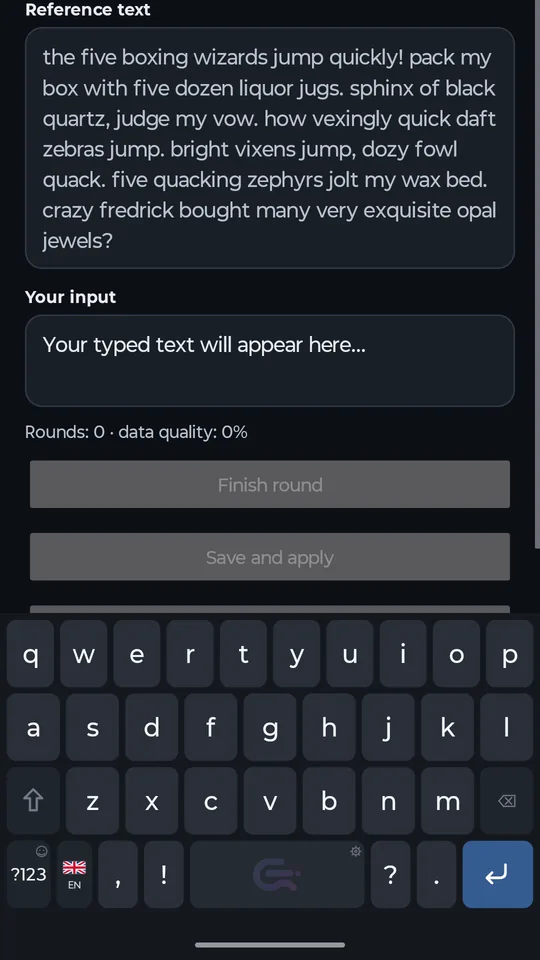
Voice typing in any field
Commander Flow is a system keyboard, so it works everywhere: messengers, email, notes, the browser search bar, any form on a website.
- Press and hold Enter to start dictation.
- Swipe up to lock the recording — you can lift your finger and keep talking.
- Press Enter again to stop.
- After a longer pause the app can commit the finished fragment on its own, so long dictation arrives in pieces instead of one wall of text.
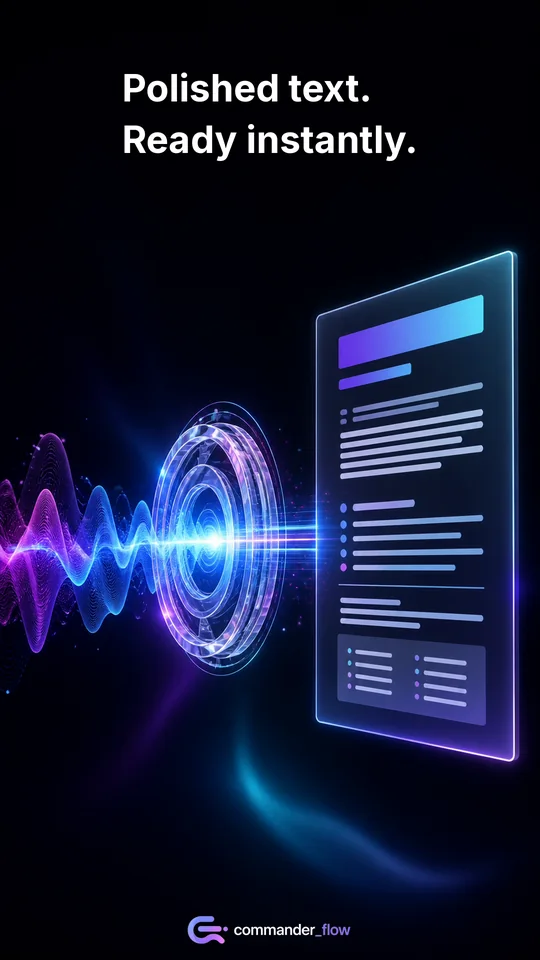
Commander Flow on Google Play
It runs locally, and that is the point
Speech recognition happens on your phone. The developer never receives your audio or your text.
- Audio and transcripts are not sent to the developer or to a cloud recognition service.
- The speech model is downloaded once over HTTPS, when you ask for it.
- After that download, dictation works offline — on a plane, in the metro, abroad.
- The app is not entirely network-free, and we will not pretend otherwise: the internet is used to fetch models and to talk to Google Play Billing.
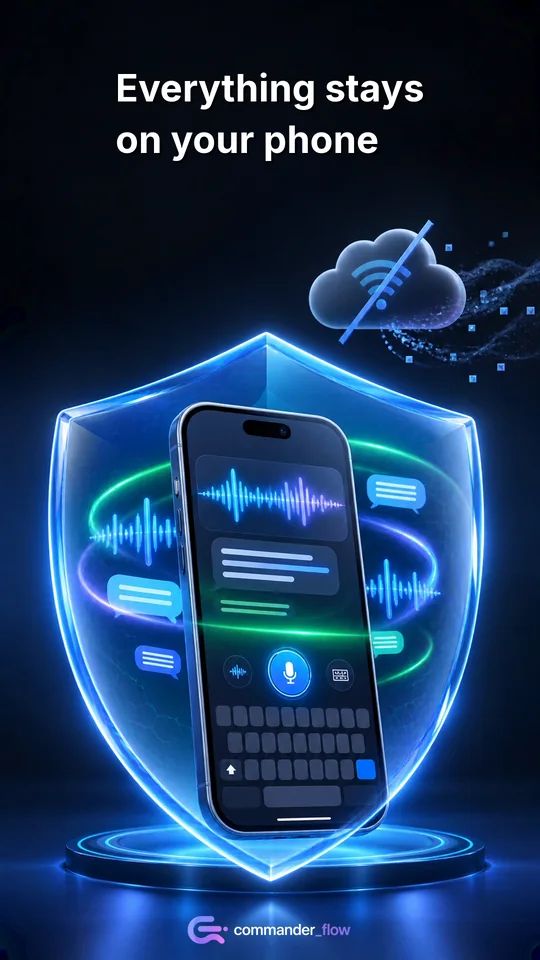
Commander Flow on Google Play
25 voice languages, 3 keyboard layouts
Two different numbers that are easy to confuse, so here they are side by side.
- Voice recognition: 25 European languages, with the language detected as you speak.
- Keyboard layouts in this first release: Russian, English and Polish.
- There is no separate typing layout for each of the 25 recognition languages — that is deliberately not claimed.
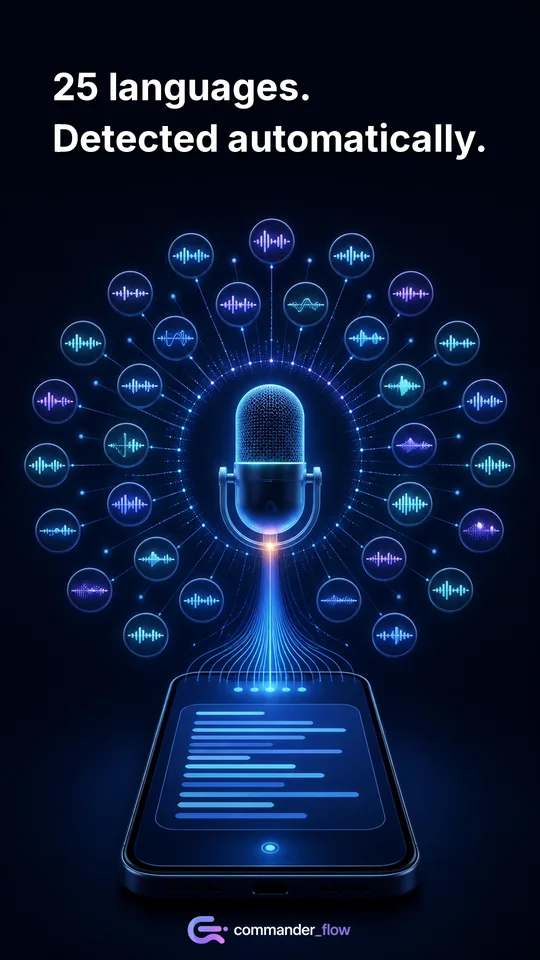
Commander Flow on Google Play
A keyboard tuned to your hand
The part you touch thousands of times a day is worth adjusting.
- Calibration of key width and horizontal position to the anatomy of your fingers — the height never changes, so nothing jumps.
- Automatic capitals and Caps Lock.
- Suggestion strip and local autocorrection, both optional.
- Number row, emoji and punctuation.
- Adjustable vibration, key sound and long-press delay.
Commander Flow on Google Play
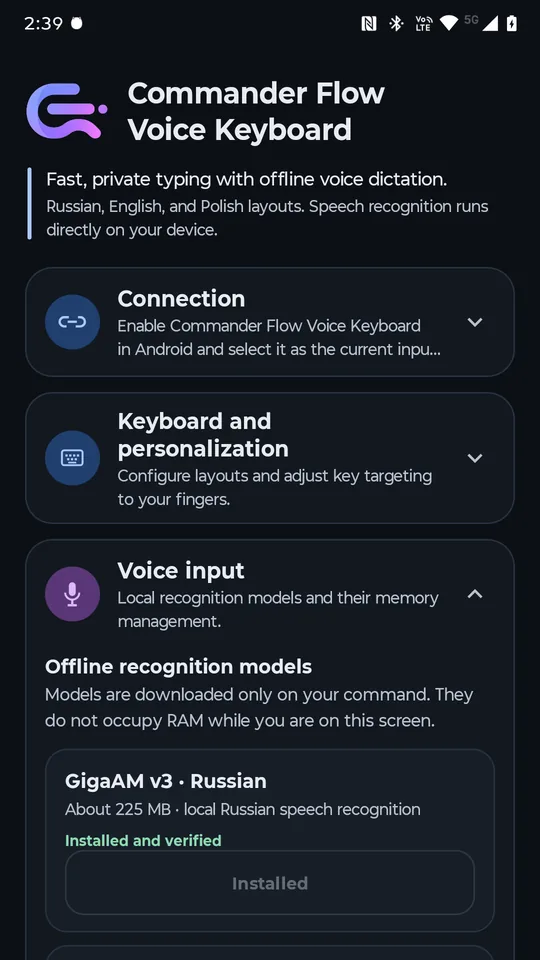
Your first dictation and the models
Local recognition means the model has to live on your phone. The app is upfront about it.
- The first time you dictate, the app tells you a model download is required.
- The download only starts when you tap it — nothing happens behind your back.
- Progress is visible and the download can be cancelled and resumed.
- You can keep the model in memory for an instant second start, or have it unloaded right after each dictation.
Commander Flow on Google Play
Free, with one optional purchase
Every keyboard and dictation feature is available without paying anything.
- No subscription, no premium tier, no word or time limits.
- An optional one-time purchase of $4.99 through Google Play permanently turns off the occasional support reminders.
- It unlocks no features — everything is already unlocked.
- The Android app is installed and paid for exclusively through Google Play; there is no separate checkout on this site.
The app itself is free. $4.99 is the price of the optional reminder-free purchase, not the price of Commander Flow.
FAQ
- Do I need an internet connection?
- Once, to download the language model. After that dictation works with no network. The internet is still used if you download another model or make the optional Google Play purchase.
- Is the microphone always on?
- No. The microphone is active only during a dictation session you started yourself. If you swipe up, the session continues without holding the key until you stop it or the app commits the fragment after a pause. Android shows an indicator in the status bar the whole time.
- What does the swipe up do?
- It locks the recording. You start dictation by holding Enter; swiping up lets you lift your finger and keep speaking hands-free. Pressing Enter again ends the session.
- What is the difference between recognition languages and layouts?
- Recognition understands 25 European languages and detects them as you speak. Layouts are the letters you tap: Russian, English and Polish in this release.
- Where are the models stored?
- In the app's private storage on your phone. You can delete them in the same settings screen where you installed them — the keyboard keeps working, just without voice input.
- How does the $4.99 purchase work?
- It is a one-time Google Play purchase that permanently removes the periodic support reminders. All features work without it. Google Play processes the payment; the developer never sees your card details.
- How do I remove local data and models?
- Delete the models in settings, clear the app's storage in Android settings, or uninstall the app. Nothing is left on a server, because nothing was sent to one.
Try it on your own phone
A few minutes is enough to see whether dictation on the device beats typing with your thumbs.
Get it on Google Play