Your AI agent just started talking — with Commander Flow's voice
Hi, this is the creator of Commander Flow. Release 1.5.0 ships a feature I now use every single day: your AI agent can speak out loud.
What it feels like
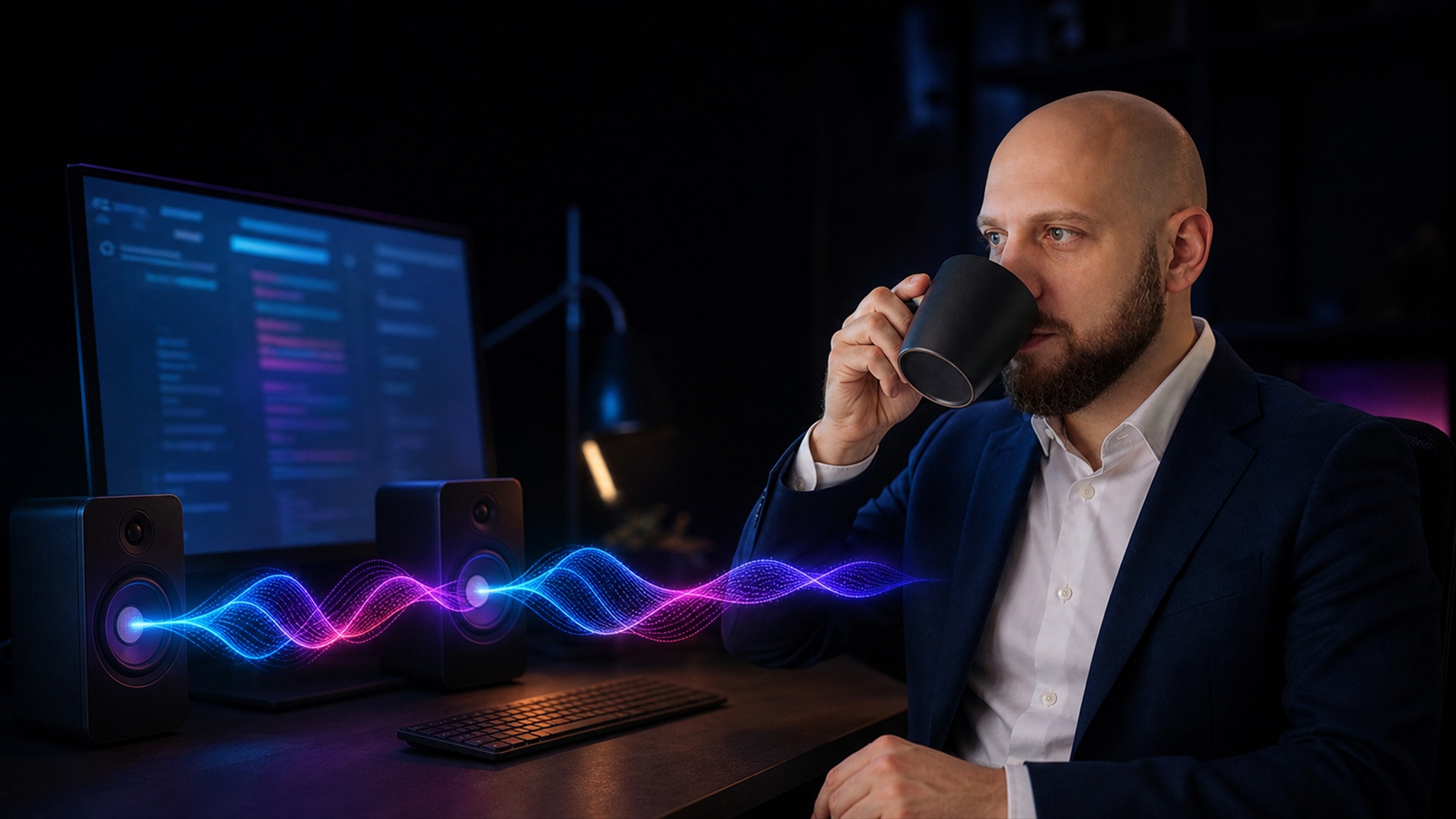
You give Claude Code a task and switch to another window. When the work is done, a human voice comes out of your speakers: "Done. Tests passed, the build is published." Not a ping — a short spoken report in your language, as if a colleague just told you they finished.
What it is
Commander Flow now ships an MCP server — the protocol AI agents use to plug in tools. One of those tools can now be a voice: the agent calls "speak", and Commander Flow says the gist with a neural voice. One to three short sentences in your language; the full answer stays in the chat.
Everything is local, as always: speech synthesis runs on your computer, nothing goes to the cloud.
How to connect — one minute
Commander Flow must be running. For Claude Code it's a single terminal command:
claude mcp add commander-flow-voice "%LOCALAPPDATA%\CommanderFlowApp\current\mcp\CommanderFlow.McpServer.exe"
From the next session on, the agent starts speaking its results. The voice and language come from the app settings — nothing to configure.
FAQ
Which agents are supported?
Any with MCP support: Claude Code and others.
Does it need the internet?
No. Neither the text nor the voice ever leaves your computer.
What language does it speak?
The Commander Flow language from the app settings.
Try it yourself
Download Commander Flow and hold Caps Lock in any app. Recognition runs locally, no cloud — dictation is free forever.