Local AI Without the Internet: Hardware to the Max
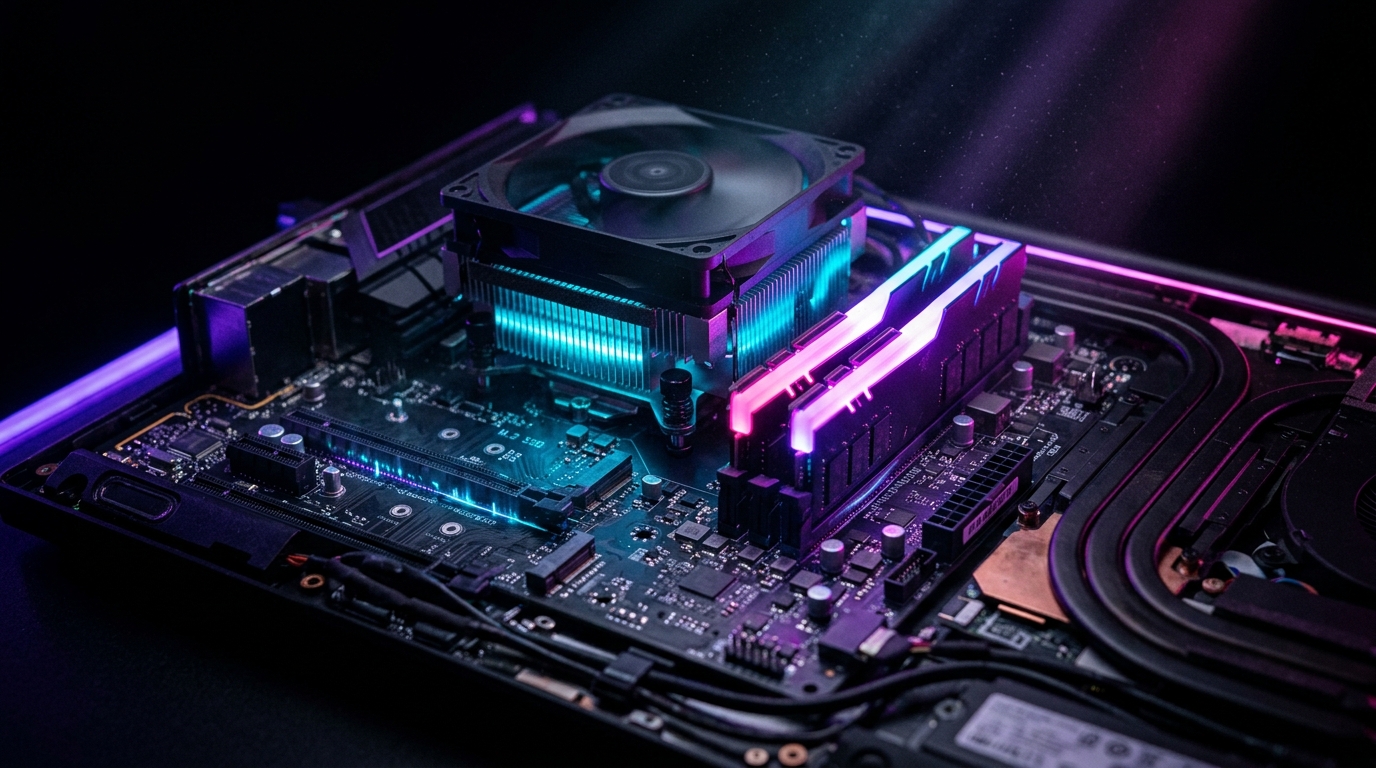
I have a 2022 laptop. Ryzen 7, 16 GB of RAM, integrated graphics. Not a flagship. Before Commander Flow I assumed "real AI" would require a new machine — discrete GPU, 32 GB minimum, ideally an RTX 4090.
A month with Commander Flow on the old laptop convinced me of the opposite. This software does something with my hardware I haven't seen from any other AI app: it takes everything you've got and uses it well. No "insufficient VRAM" complaints, no "buy a subscription for better performance."
Why this works
I talked to the team and realized they take hardware seriously. The thing that impressed me most: they don't drag the user into configuration. All the choices that ordinary AI software dumps on you ("pick your runtime") are made by the product itself.
Their speech recognition engine is custom-tuned for mass-market CPUs. On a regular laptop it's many times faster than popular alternatives; the quality/speed balance was tuned for ordinary hardware, not gaming towers. Then comes auto-detection: my laptop runs in one mode, an older CPU would run in a leaner one. If a GPU is present, it gets used. If not, everything just works on the CPU. One binary, different modes inside, nothing to configure.
A favorite small detail: microphone warmup at startup. When the app launches, it preloads audio capture so the first hotkey press doesn't burn tens of milliseconds on initialization. Nobody sees this. But if you've ever used a sluggish voice assistant before, you feel the difference on day one.
Another thing I think is underrated: while the engine transcribes your speech, the language model is already preparing to process it in parallel. When transcription is done, polishing starts without a fresh pause. These small parallelisms add up to the "feels instant" sensation.
"Good engineering is when you don't notice it's happening. Things just work fast."
What I can run on an old laptop
The tray gives you a one-click choice of mode for your hardware:
- Off — dictation only, no polishing. Minimal resources, instant.
- Lite (~1 GB RAM) — fast polishing, great for daily dictation on a laptop.
- Balanced (~2 GB RAM) — quality/speed balance.
- Smart (~4 GB RAM) — the default. Best quality for most machines.
- Enhanced voice polishing (~1 GB RAM) — a separate light mode that just polishes whatever was just dictated.
- Prompting mode — the largest model for serious work with selected text and voice commands over it.
All modes — local, on my hardware. No cloud. No internet latency.
I disabled Wi-Fi as an experiment, and Commander Flow kept working without a single hitch. It's genuinely offline.
My laptop runs "Smart" comfortably. When I'm on the road and the battery is draining, I switch to "Lite" with one tray click. When I need a serious rework of a large selection, I switch to "Prompting mode" — on the desktop it works perfectly.
Why this beats "AI in the cloud"
I tried a couple of popular cloud dictation tools for comparison. The numbers in the table speak for themselves.
The last row is the philosophically important one. I paid for this laptop, it has horsepower — why should I rent someone else's server when I already have mine?
Where the hardware shows its limits
On really old machines, even Lite feels marginal. It works, but the first load takes noticeable time. I tested it on my mother-in-law's old laptop — survivable, not lightning. The team is working on optimizations for weak hardware.
If other heavy apps are running, RAM becomes the bottleneck. When my browser, IDE, and Commander Flow Smart are all open, the laptop can lag. Solution: switch to Balanced or Lite with one tray click.
First-time model download. On first launch, the app pulls components for offline operation. On a slow connection it's noticeable. Once-in-a-lifetime — survivable, but worth knowing up front.
What I learned about modern AI apps
Most "AI apps" in 2026 are wrappers around a cloud API. You pay a subscription, you get rate-limited, your data flies to someone else's data center. Convenient — but architecturally cheap. The program itself does nothing.
Commander Flow is a different breed. It's local AI software that treats your computer as a working tool, not as a terminal for sending requests to someone else's GPU.
That's rare. That's the right direction. That's what I want to pay for (once, no subscription).
Who should try it
If your laptop is younger than five years and has 16+ GB of RAM, Commander Flow squeezes more AI capability out of it than you'd expect. If you have top-tier hardware, it'll just run even faster.
Either way, you're using what you already own. Against an industry where the cloud has become a subscription on every breath, that approach feels almost radical.
FAQ on local AI and privacy
Does Commander Flow send my data to the cloud?
By default — no. All speech recognition and text polishing happens locally on your device. Nothing leaves your computer until you explicitly enable a cloud model in settings and switch to it.
What hardware is required for local mode?
Minimum: a modern CPU and 8 GB of RAM for Lite mode. The Balanced mode is comfortable with 16 GB. The strongest mode wants 16+ GB and ideally a discrete GPU. The app detects your hardware and picks the optimal mode.
Do I need a GPU for local AI?
Not required. The app runs on CPU. If you have a GPU, it'll be used automatically for acceleration. One binary, dynamic mode selection based on your machine.
Can I use it offline — for example, on a plane?
Yes. After the initial install and component download, the app runs fully offline. Wi-Fi off or unavailable — everything works with no latency and no request limits.
Is it safe to dictate confidential documents?
Yes — in local mode, content never leaves your computer at any stage. That makes Commander Flow suitable for NDA-bound documents, legal text, medical notes, and any sensitive correspondence.
Try it yourself
Download Commander Flow and hold Caps Lock in any app. Recognition runs locally, no cloud — dictation is free forever.