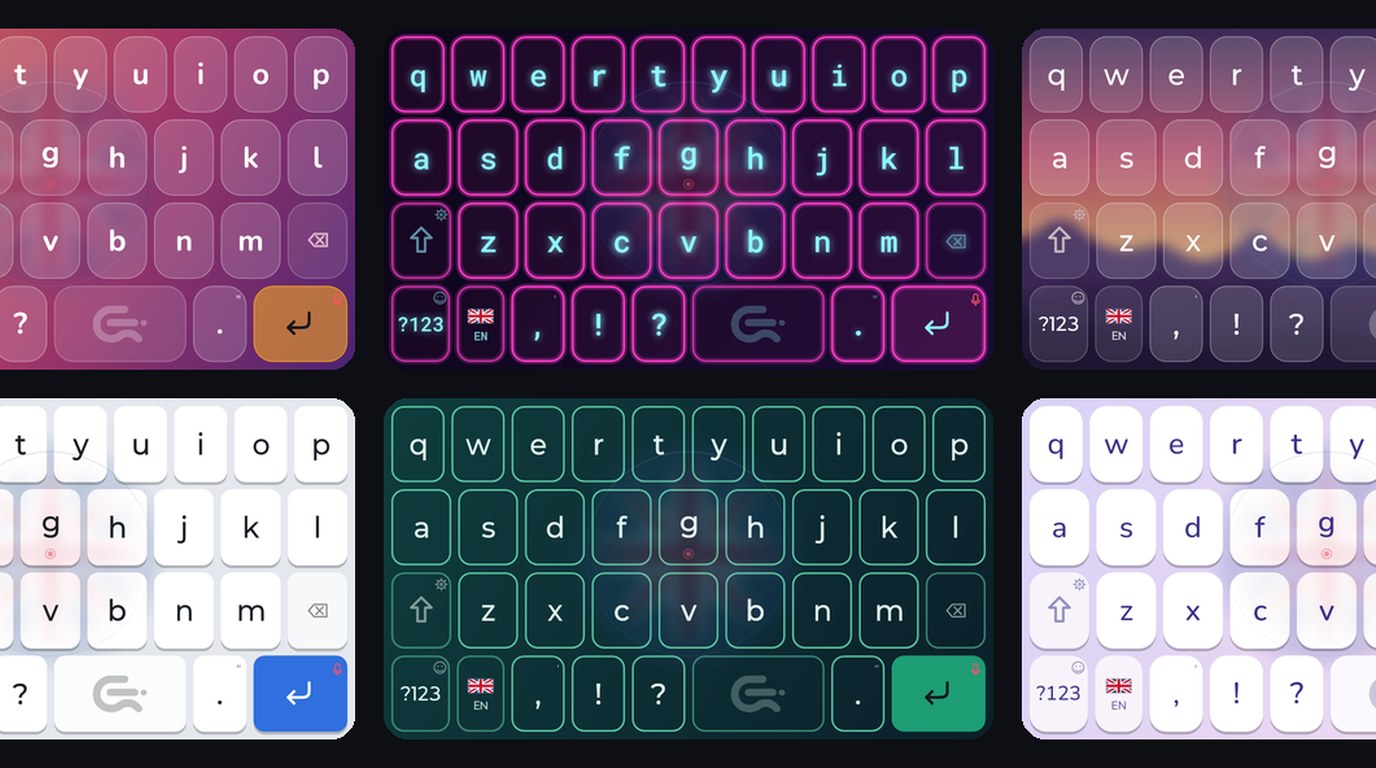
Swipe typing keyboard for Android: write a word in one motion
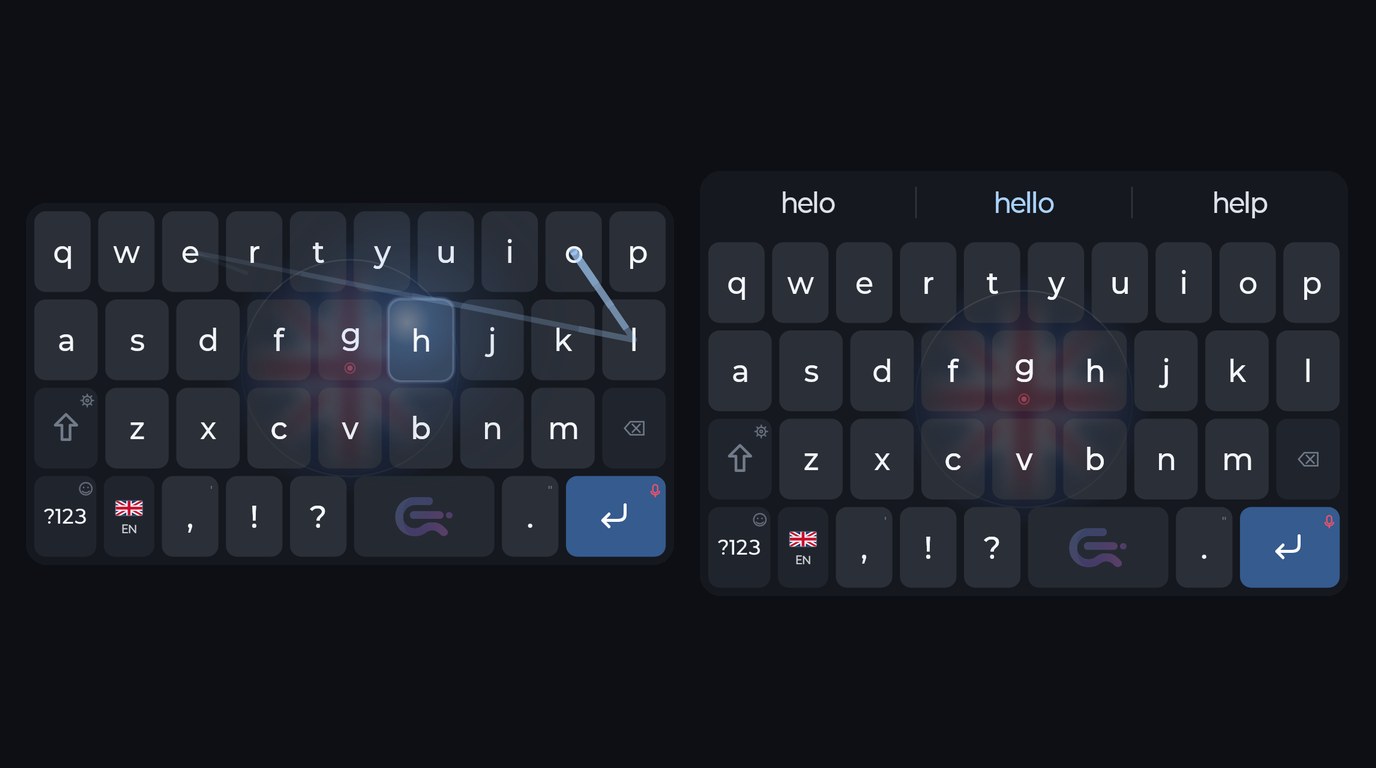
I am proud that Commander Flow for Android does not only listen to you, it types well too. It has swipe typing and smart suggestions.
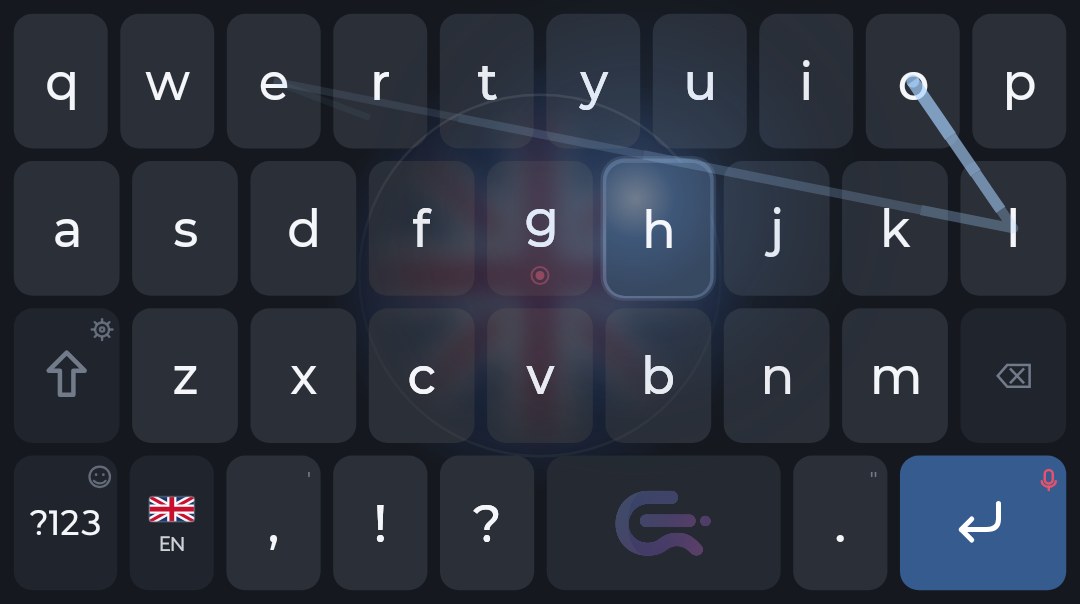
Swipe: a word in one motion
Slide your finger over the letters of a word without lifting it, and the whole word is written. A light trail follows your finger. If the keyboard guessed a different word, the alternatives are waiting in the strip above the keys. And if you press Backspace right after a swipe, the whole word disappears at once. Swiping is on from the start, and you can turn it off in settings.
Suggestions and typo correction
A strip of suggestions appears above the keys: the corrected word, completions and the next word. Tap the one you want and it goes into the text. Correcting typos as you type is a setting you switch on.
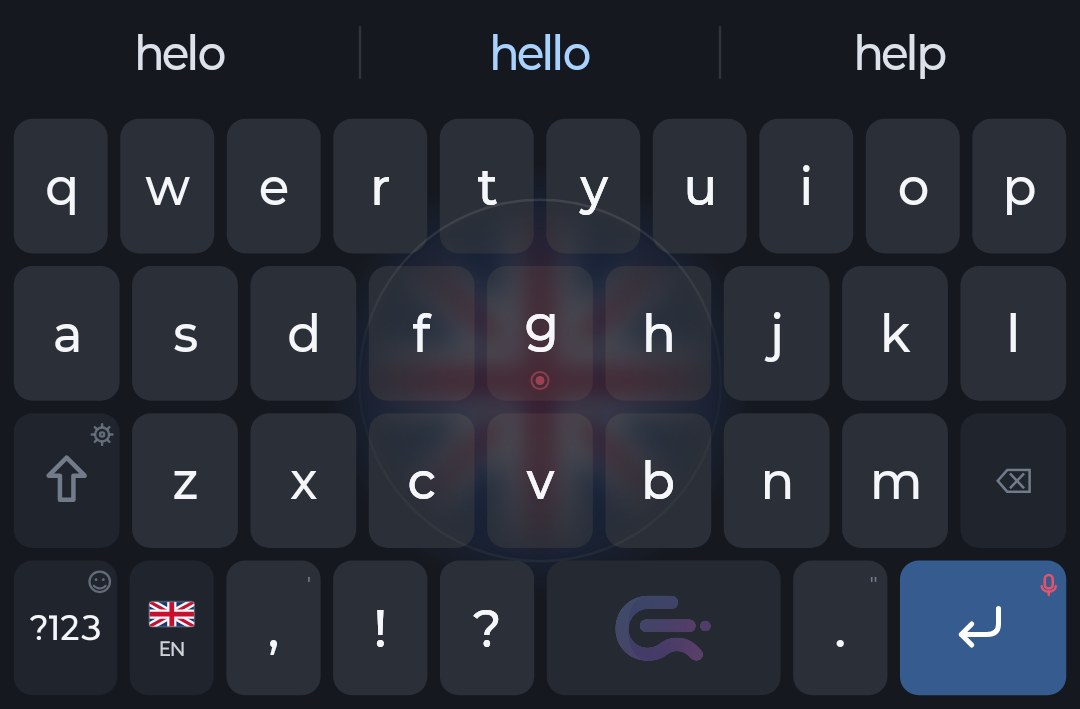
The keyboard learns the words you use, and that stays on your phone. It does not suggest rude words unless you allow them.
And your voice is still here
All of this works in the Russian, English and Polish layouts, on the phone and without internet. Two spaces make a full stop, and sliding along the space bar moves the cursor. And when typing feels like too much, hold the round button in the middle and speak.
Commander Flow for Android is free.
More about the Android version
FAQ
Can I turn swiping off?
Yes, in settings. It is on from the start.
Do suggestions work without internet?
Yes. The keyboard works on the phone and needs no network.
Installeer het op je telefoon
Het spraaktoetsenbord Commander Flow voor Android: de herkenning draait op de telefoon zelf. Gratis, zonder advertenties of abonnement.