Android keyboard themes: your own photo as background, plus voice typing
I am proud of this update: the Commander Flow keyboard for Android has become beautiful. It now has themes, and dictation got even more comfortable.
Ten themes for every taste
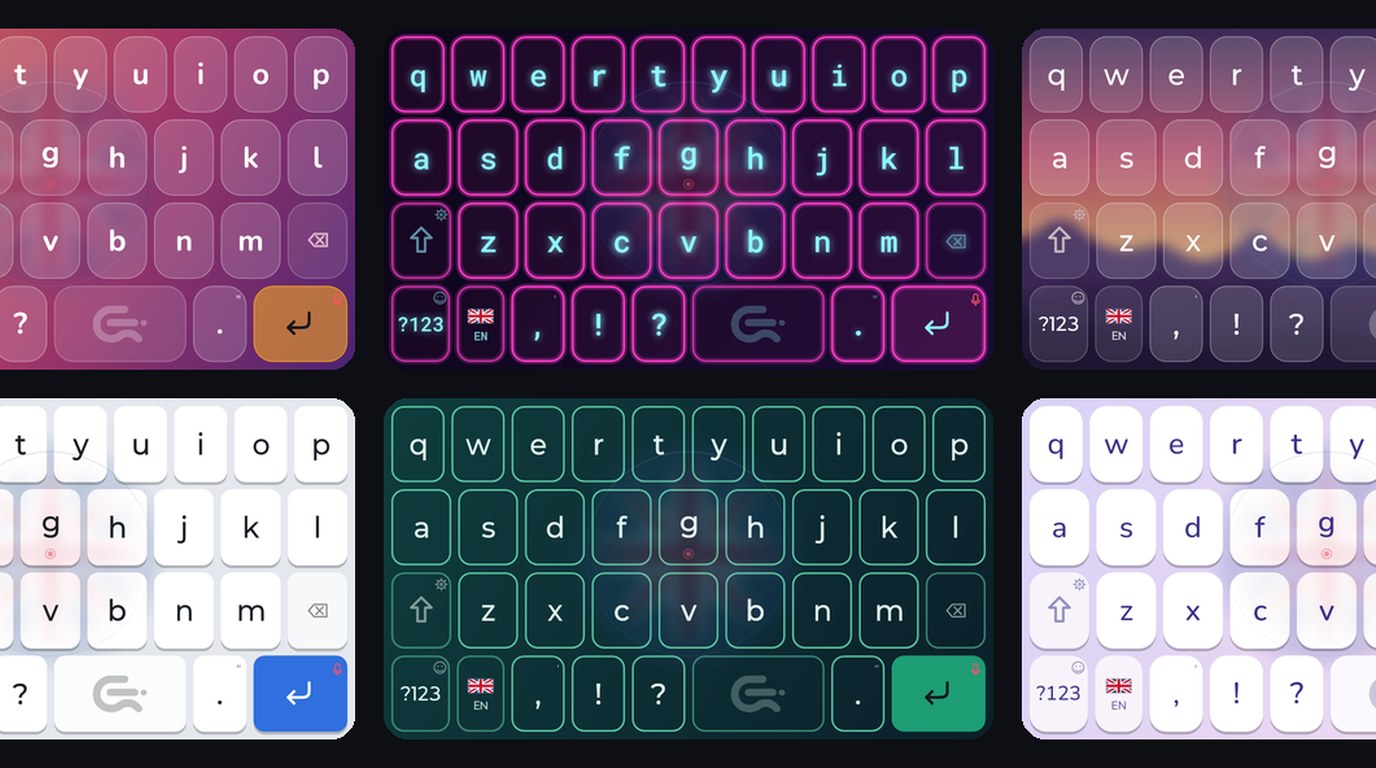
Graphite, Snow, Neon, Sunset, Paper, Mountains, Emerald, Caramel, Terminal and Lavender. Dark and light, calm and bright. Graphite looks the way the keyboard looked before, so the familiar look stays.
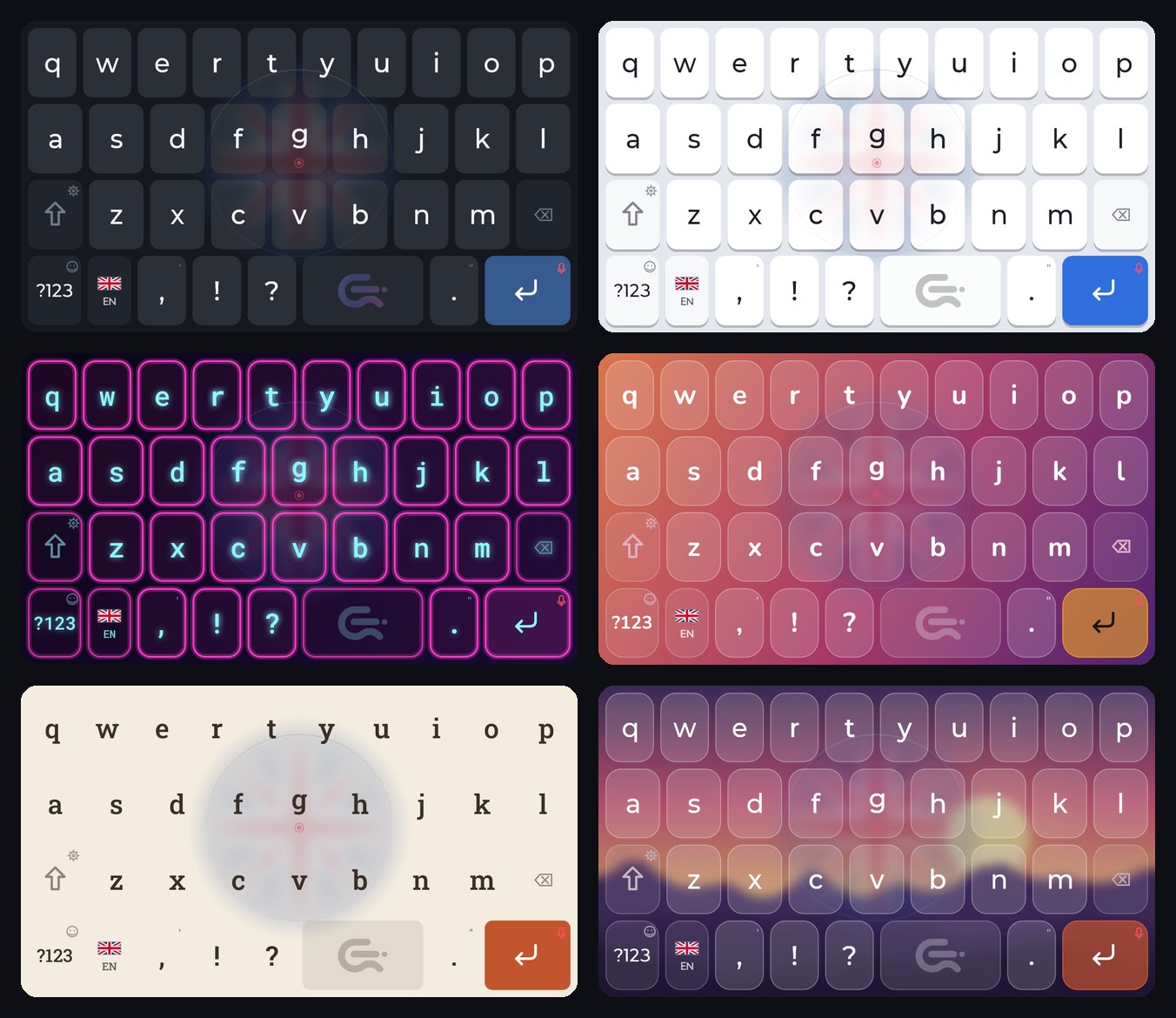
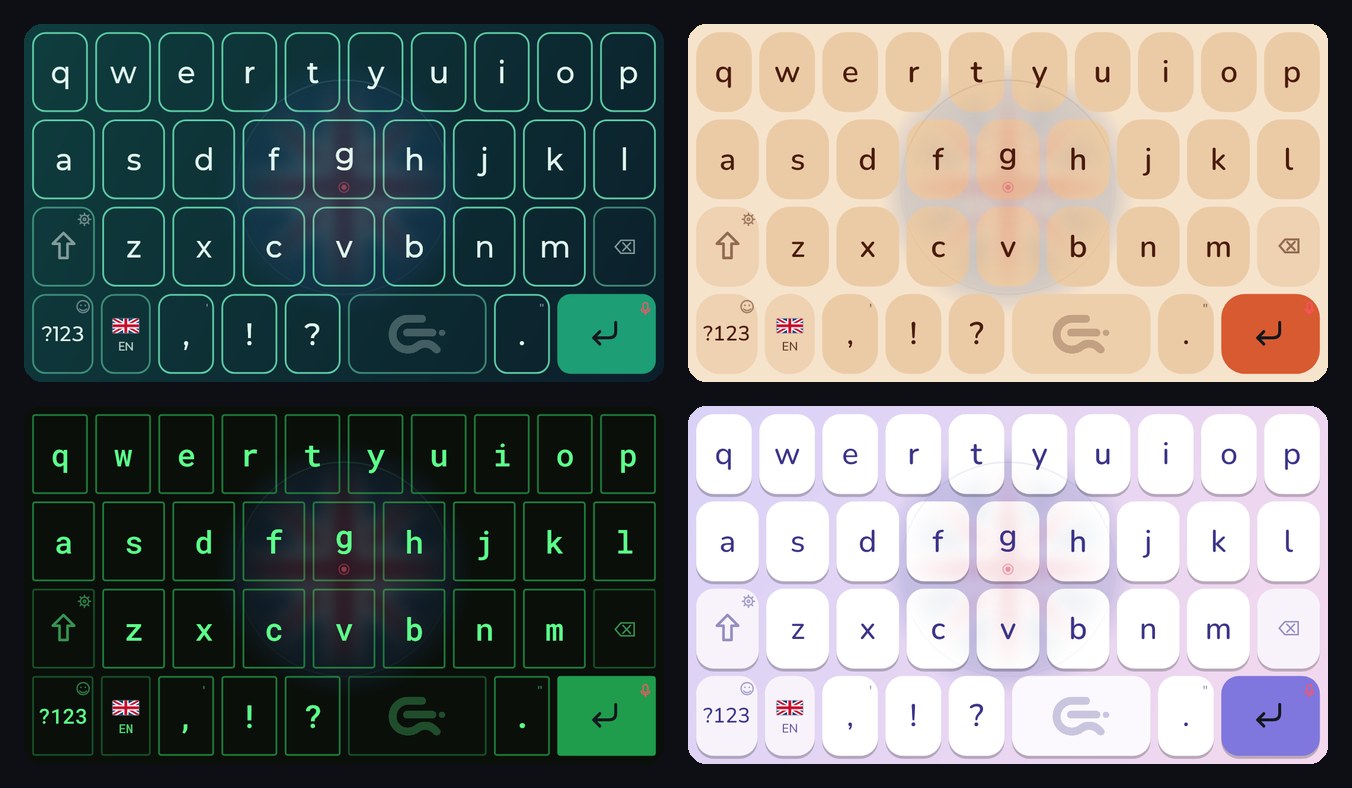
If you want something of your own, open the theme page: you can change the key shape, the rounding, the colours, the font and the background. Every detail is adjusted separately.
Your photo on the keyboard
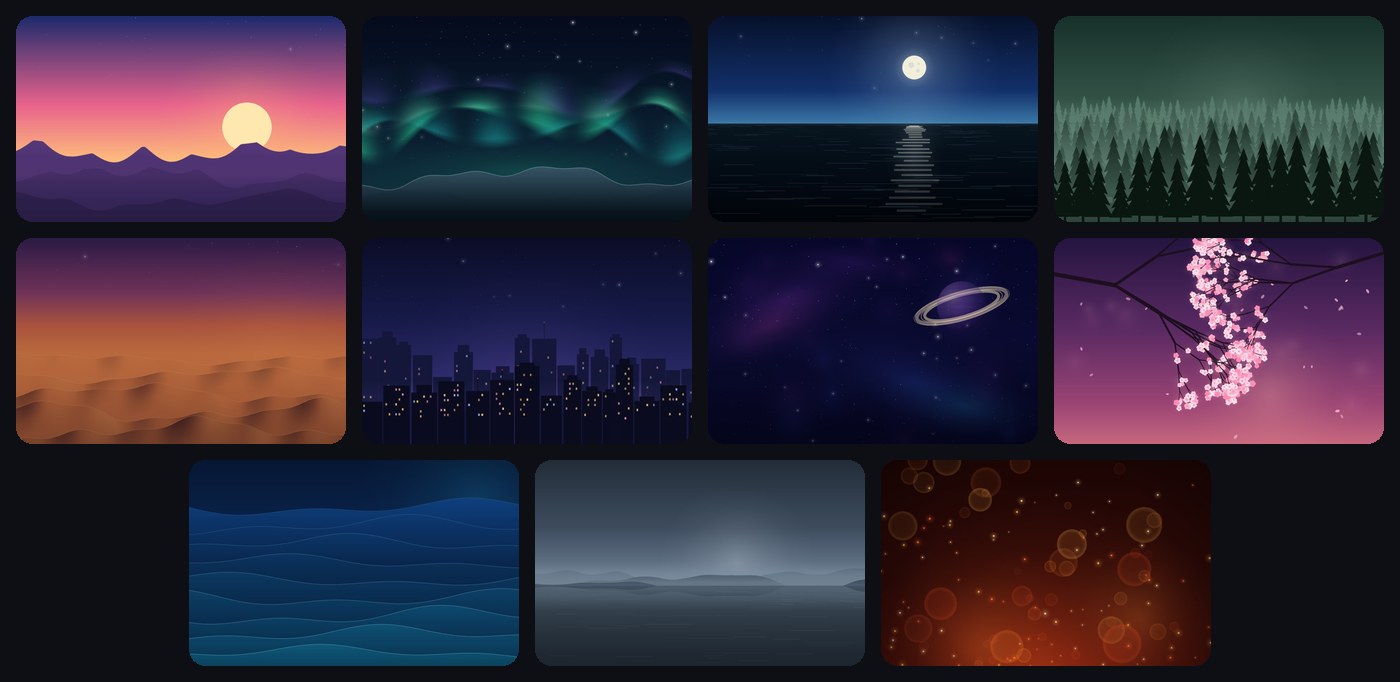
Put a favourite picture from your gallery behind the keys, move it into place with your fingers, and set the dimming or blur so the letters stay easy to read. The photo stays on your phone. If you have no picture in mind, pick one of the eleven built-in ones.
You do not have to choose right the first time: try a few themes in a row and keep the one you like best. You can change the look at any moment, and typing is as comfortable with any theme as it was before.
Random theme
Tap one button and the keyboard puts together a new look. Do not like it, tap again. The letters stay readable every time.
Dictation with a single touch
Hold your finger on the round button with the flag in the middle of the keyboard, speak, and let go: the text appears on its own. For something longer, slide your finger up and the recording locks.
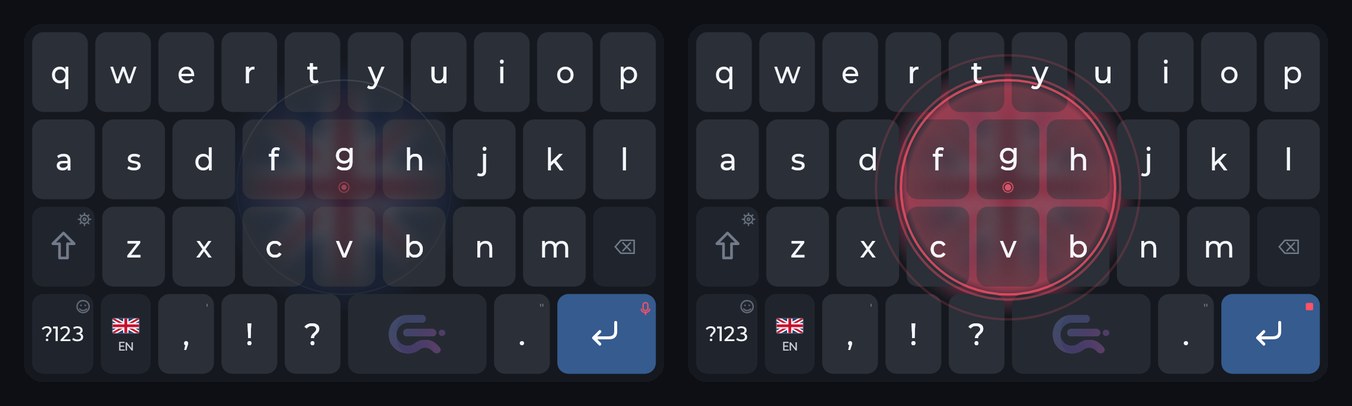
Stopping it is now simple: touch the keyboard anywhere and the recording ends without typing anything. A soft chime plays at the start and at the end, and the recording animation is brighter.
New key sounds
Three new sets: Tock, Bubble and Keys. Choose the one that is pleasant to hear.
Free
Commander Flow for Android is free. Install it from Google Play and pick a theme you like.
More about the Android version
FAQ
Will the keyboard look different after the update?
No. The default theme, Graphite, looks the way it did before. You can pick another theme at any time.
Does a theme affect dictation?
No. A theme only changes how the keyboard looks.
How much does it cost?
Nothing: the app is free.
Installala sul telefono
La tastiera vocale Commander Flow per Android: il riconoscimento gira sul telefono stesso. Gratis, senza pubblicità né abbonamento.